EasyManua.ls Logo

Siemens MICROMASTER 420 - User Manual

Siemens MICROMASTER 420
190 pages
Print Icon
To Next Page IconTo Next Page
Loading...
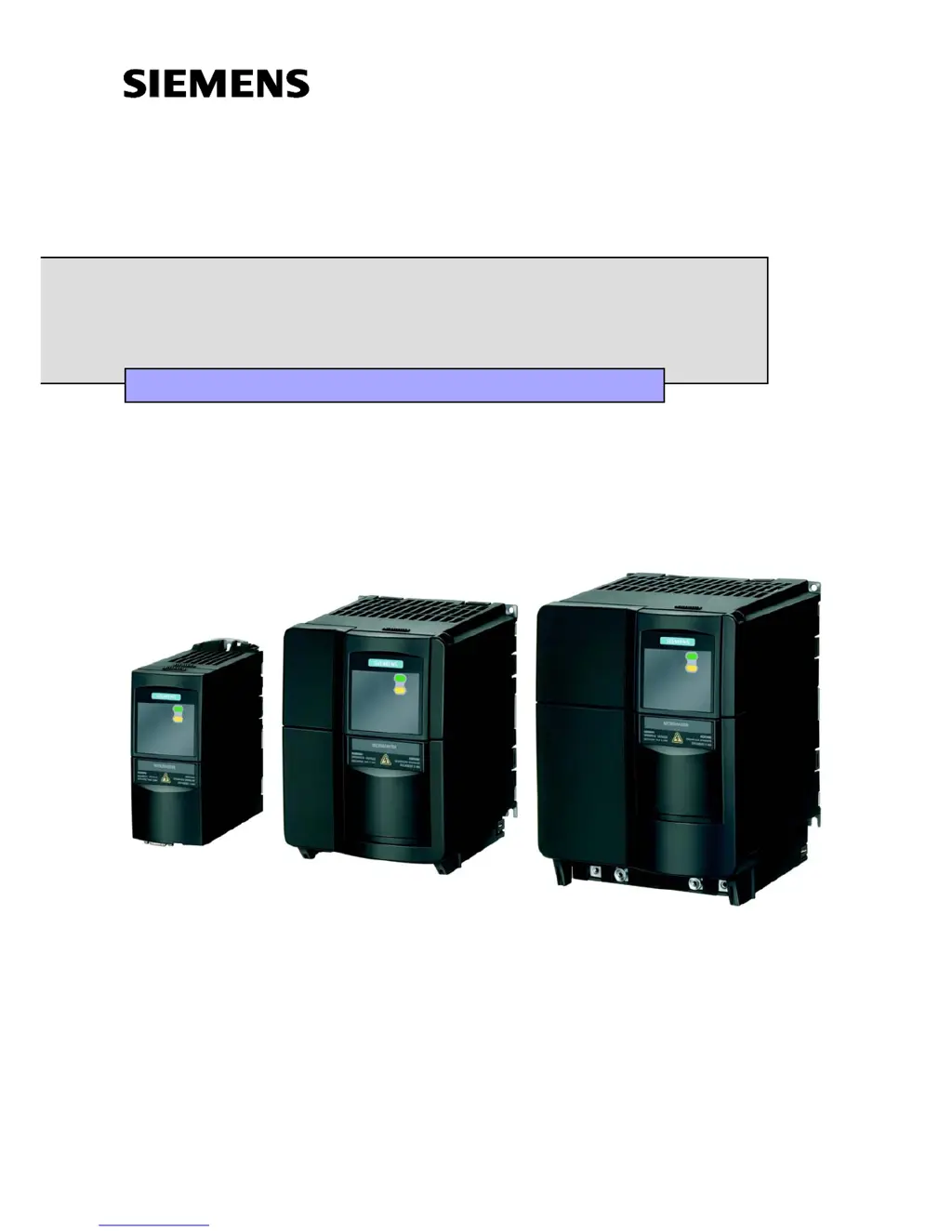
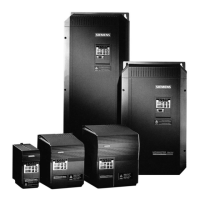
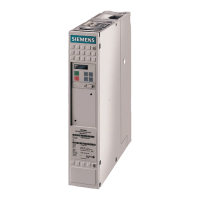
MICROMASTER 420
0.12 kW - 11 kW
Operating Instructions Issue 07/04
User Documentation
6SE6400-5AA00-0BP0

Table of Contents

Other manuals for Siemens MICROMASTER 420

Questions and Answers

  • A
    Anthony PearsonSep 23, 2025
    What to do if Siemens Control Unit drive converter detects an error in communications with the CANopen module?
    • R
      Randy CookSep 23, 2025
      If the drive converter detects an error in the communications with the CANopen module, the CANopen module must be replaced.
  • M
    Mario GarnerAug 23, 2025
    What to do if Siemens Inverter motor fails to run after changing the parameters?
    • J
      Jesse NicholsAug 23, 2025
      If the Siemens Inverter motor fails to run after changing the parameters, set P0010 = 30, then P0970 = 1, and press P to reset the inverter to the factory default parameter values. Alternatively, use a switch between terminals 5 and 8 on the control board; the drive should now run to the defined setpoint by analogue input.
  • D
    Dr. Stephanie FrankAug 25, 2025
    What to do if Siemens DC Drives show inverter fault?
    • S
      Scott KimAug 26, 2025
      If your Siemens DC drive is showing an inverter fault (other than the ones listed), check for other fault indications to identify the root cause.
  • V
    Vernon PerkinsAug 26, 2025
    What to do if my Siemens Inverter shows a fault overcurrent?
    • X
      Xavier LeeAug 26, 2025
      If your Siemens Inverter indicates a fault overcurrent, inspect the connected load and reduce it if necessary.
  • F
    Frederick Valdez MDAug 27, 2025
    What to do if my Siemens MICROMASTER 420 displays fault overvoltage?
    • J
      jmaxwellAug 27, 2025
      If the Siemens Inverter displays a fault overvoltage, verify the voltage supply and reduce it if it exceeds specifications.
  • T
    Timothy WhiteSep 18, 2025
    What to do if parameters of Siemens Control Unit communications module were incorrectly set?
    • P
      Paige RodriguezSep 18, 2025
      If the parameters of the communications module defining the CANopen connection were incorrectly set on your Siemens Control Unit, correct P0918 (CANopen node ID) and/or P2041 (CB parameter), indices 00 to 02.
  • J
    Jacqueline RuizSep 15, 2025
    How to troubleshoot Siemens Control Unit Can Chip Passive Warning?
    • T
      Tyler BrownSep 15, 2025
      To troubleshoot a Can Chip Passive Warning in the Siemens Control Unit: * Check and correct, if required, the most significant digit of P2041.04 (baud rate) for every bus node. * Check the cable connection between bus nodes. * Check cable shielding. * Replace the CANopen module.
  • M
    Ms. Margaret CarterSep 16, 2025
    What to do if Siemens Control Unit data set changed, but failed to update parameter?
    • M
      Maria LoweSep 16, 2025
      If the data set changed, but failed to update parameter accordingly in your Siemens Control Unit, repeat the change of dataset.
  • J
    Joseph WelchSep 6, 2025
    What to do if Siemens Inverter has a fault not listed?
    • R
      robert26Sep 6, 2025
      If your Siemens Inverter has a fault other than the ones listed, reset the inverter and check for external faults.
  • J
    jenniferfieldsSep 3, 2025
    Why does my Siemens Inverter say 'Mains not present'?
    • A
      Andrew TorresSep 4, 2025
      If your Siemens Inverter indicates that the mains are not present, check the power supply connections.

Summary

Operating Instructions

Overview

Installation

Mechanical installation

Details on physical mounting, dimensions, and fixing methods for the inverter.

Electrical installation

Covers grounding, power connections, and wiring guidelines.

Power and motor connections

Control terminals

Avoiding Electro-Magnetic Interference (EMI)

Screening Methods

Functions

Parameters

Details on drive inverter parameters, their attributes, and access methods.

Commissioning

Step-by-step guide and scenarios for commissioning the drive inverter.

Operator panels

Communication

PID controller

Motor holding brake

Electronic brakes

Closed-loop Vdc control

Monitoring functions; messages

Power module protection

Open-loop;closed-loop control technique

Troubleshooting

MICROMASTER 420 specifications

Electro-magnetic compatibility (EMC)

Siemens MICROMASTER 420 Specifications

General IconGeneral
Power Range0.12 kW to 11 kW
Output Voltage0 to input voltage
Input Frequency47 Hz to 63 Hz
Output Frequency0 Hz to 650 Hz
Overload Capacity150% for 60 seconds
Enclosure RatingIP20
Input Voltage200 V to 240 V (±10%), 380 V to 480 V (±10%)
Control TypeV/f control
BrakingOptional braking module
Protection FeaturesOvercurrent, overvoltage, undervoltage, overload, short circuit, ground fault
CoolingAir-cooled
Ambient Temperature-10 °C to +50 °C
Communication InterfacesUSS protocol

Related product manuals