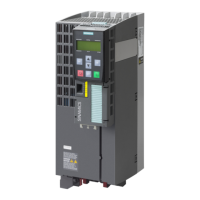
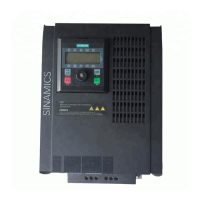
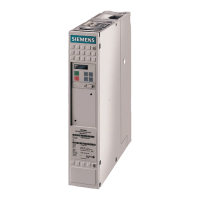
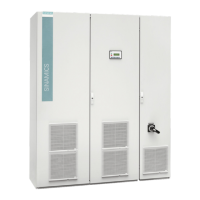
Installation and Operating Instructions SINAMICS G180
Operating Instructions, 02/2019, 4BS0751-007
123
Function of the inverter display
Figure 8-1 Inverter display
The display is used for operating and monitoring the inverter.
LEDs "READY", "RUN" and "FAULT" indicate the current status of the inverter.
The following data can be read on the plain text display:
● The actual values of the inverter, e.g. motor current
● All parameters
● All stored error messages

 To Next Page
 Loading...