Refrigerated Centrifuge Sigma 8KS
Refrigerated Centrifuge Sigma 8KBS
Version 08/2012, Rev. 2.5 of 02/07/2018 • sb
Translation of the original operating manual, part no. 0702502
Rotor: rotor selection list
This field shows the rotor that is currently being used.
• Select the field "Rotor" and confirm the selection. A list with all of the
possible rotors without buckets is displayed.
• Select the desired rotor.
– If an angle rotor is selected, additional information concerning this
rotor will be displayed.
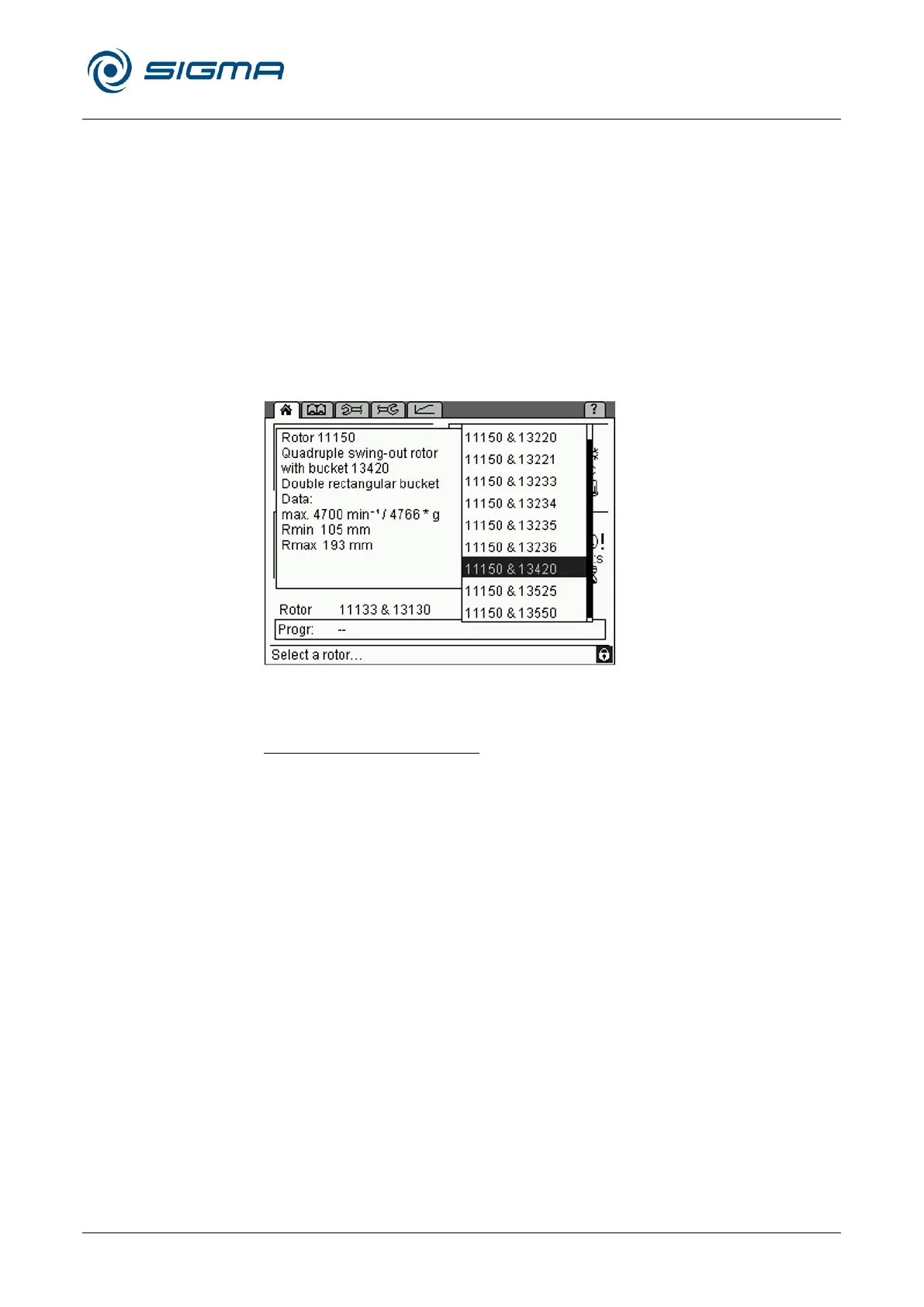
– In the case of swing-out rotors, a list with all of the possible
rotor/bucket combinations will be displayed. Select an item from the
list so that the additional information concerning the combination will
be displayed.
• Press the function knob in order to accept the data.
Fig. 25: Rotor selection list, here with potential rotor-bucket combinations
and additional information
Automatic rotor identification
The centrifuge automatically identifies the rotor that is currently being used.
• If the system identifies a different rotor than the one that is set and if
there are no different buckets for this rotor, the rotor input will be
adapted automatically. The system will not display a message.
• If the system identifies a different rotor than the one that is set, and if
there are different rotor/bucket combinations for this rotor, the system
will automatically identify the correct rotor and select the rotor/bucket
combination with the lowest speed. The system will display a
corresponding message so that the combination can be adapted
manually.
• If the system cannot identify the rotor, a message will be displayed. The
rotor cannot be used in the centrifuge.
This prevents the maximum permissible speed from being exceeded.



 To Next Page