Refrigerated Centrifuge Sigma 8KS
Refrigerated Centrifuge Sigma 8KBS
Version 08/2012, Rev. 2.5 of 02/07/2018 • sb
Translation of the original operating manual, part no. 0702502
If the "RAPID_TEMP" program is used, the temperature of the unloaded
aluminium bucket will be displayed. If samples, which have not been
precooled, are placed into the buckets, the displayed temperature will
deviate from the actual sample temperature.
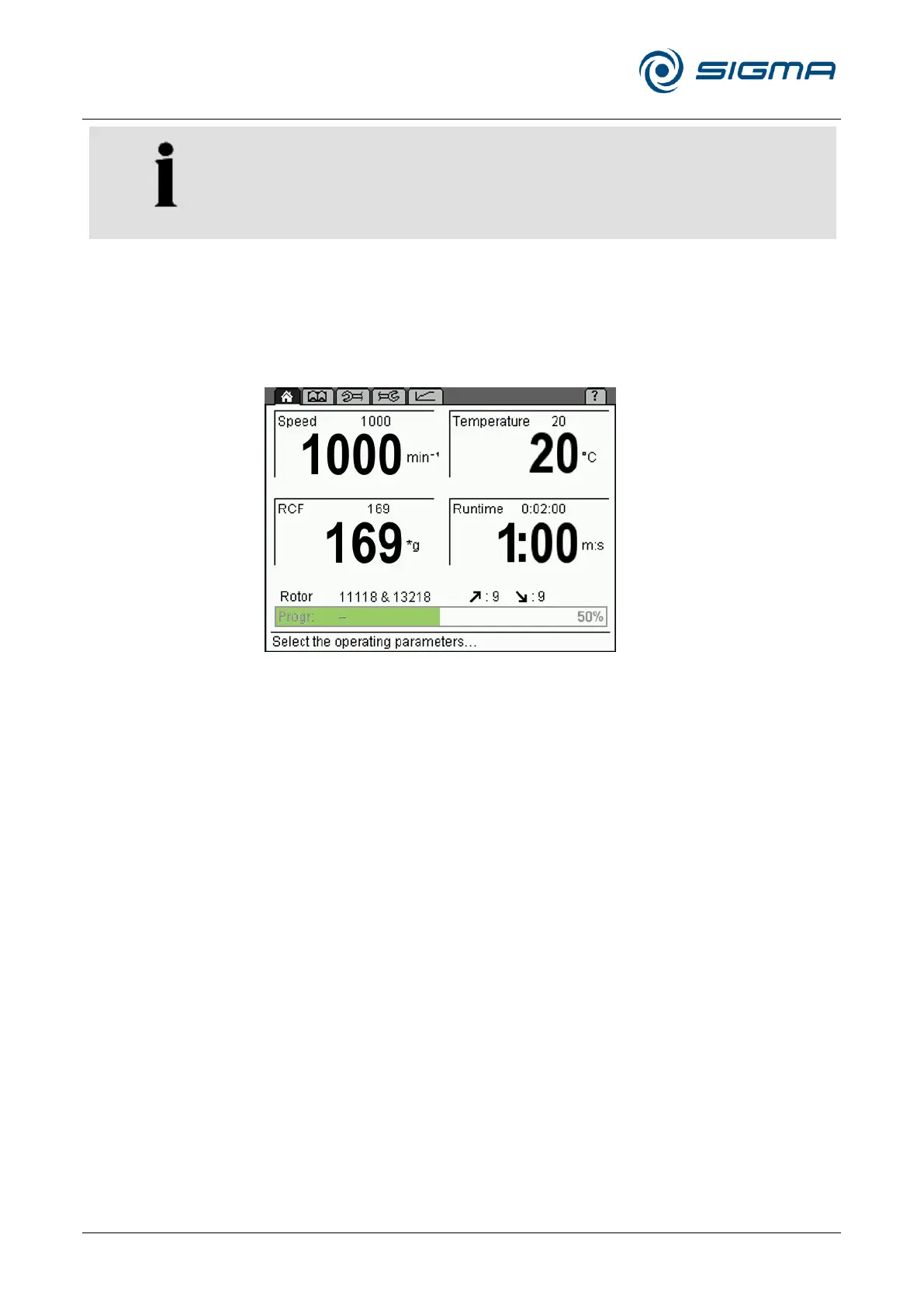
Progress indicator
The progress indicator provides a quick overview of the remaining runtime
of the running centrifugation run. For this purpose, a green progress bar
and percentage value are displayed in the program field.
Fig. 28: Progress indicator during a centrifugation run
After the completion of the centrifugation run, the progress indicator
remains at 100% until
• the lid is opened,
• a parameter is changed,
• a program is loaded, saved, or deleted, or
• a new centrifugation run is started.
Pos: 156 /010 Uni versalmodule/ Seitenwechsel @ 0\mod_12 02116244312 _0.docx @ 105 @ @ 1



 To Next Page