Programming
150966 6-5
6.2.2.5 5-Reprt Accounts
From the main menu, press to edit reporting account information for accounts that use the
phone lines as the reporting device.
6.2.2.6 6-Print Accounts
From the main menu, press to edit reporting account information for accounts that use the
serial port or parallel port as the reporting device.
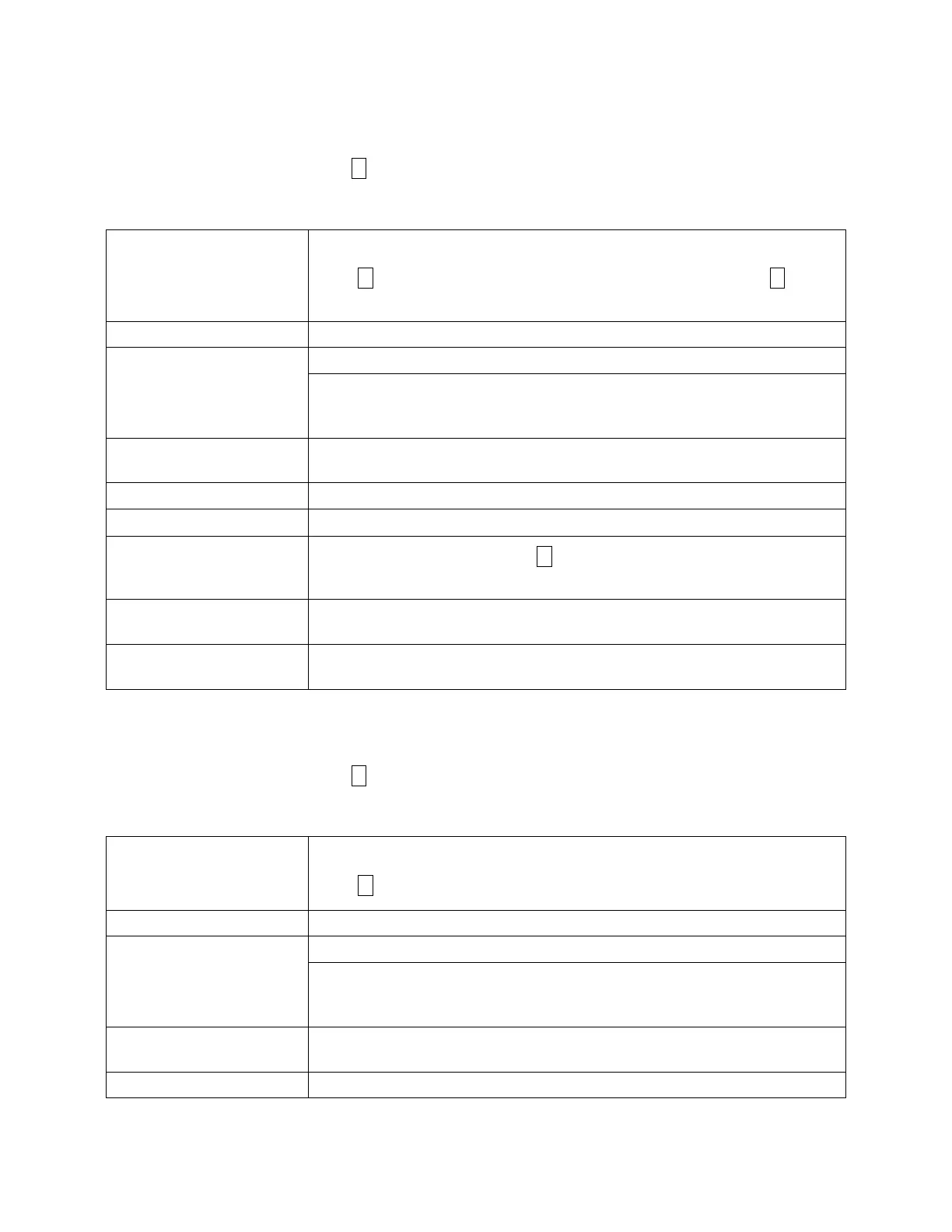
Edit #y,nnnn
where y = Priority level
nnnn = Account number
The main menu allows you to select an account to edit.
Press until the account you want to edit displays on the LCD. Press to edit
the account displayed.
Partition #: Enter the account partition number to which this reporting account is assigned.
Report filters Choose from NO, YES, or MUST report for each event family.
Event families are: Open/Close, Alarm, Trouble, Bypass, Alarm Restr, Open Reset,
Door Access, Tests, Exceptions, Op/Cl Trbl, System, Accs Denied, Egress, Door
Ajar, and Date/Time.
Reporting Format Choose the reporting format from SIA500, CONTID (for Ademco Contact ID),
numeric pager, SIA20, or ASCII. ASCII should be used for printer accounts only.
Account Number Enter the account number that the account reports.
Phone Number Enter the phone number that the account dials to report.
Auto Test Schedule
Enter the auto test schedule. Press to scroll through the available time
schedules.
Switch Tries Enter the number of attempts made to this account before switching to a backup
account. Valid entries are 1-15.
Total Tries Enter the number of attempts made to this account before the account fails and
causes system trouble. Valid entries are 1-15.
Edit #y,nnnn
where y = Priority level
nnnn = Account number
The main menu allows you to select an account to edit.
Press until the account you want to edit displays on the LCD.
Partition #: Enter the account partition number.
Report filters Choose from NO, YES, or MUST report for each event family.
Event families are: Open/Close, Alarm, Trouble, Bypass, Alarm Restr, Open Reset,
Door Access, Tests, Exceptions, Op/Cl Trbl, System, Accs Denied, Egress, Door
Ajar, and Date/Time.
Reporting Format Choose the reporting format from SIA500, CONTID (for Ademco Contact ID),
numeric pager, SIA20, or ASCII. (Use ASCII for printer accounts only.)
Account Number Enter the account number that the account reports.
5
0 9
1
6
0



 To Next Page