System Operation
150965 5-15
Diagnostics
For Model 4815 Serial Zone
Expander.
[Maintenance or Installer Code]
See the 4815 Installation Manual,
P/N 150909, for information about
these options.
Add or delete users from the
touchpad
[Maintenance or Installer Code]
1. Enter the ID at the prompt. (This
is the number of the user, not the
access code.)
2. Enter the number of the profile to
be used with this user. (Range
from 1-9999.)
3. Enter the access code for this
user.
4. At the
Swipe / Type Card
display, enter the encoded card
PIN or present the card to the
reader and press .
5. Press to exit.
Program System
[Installer Code]
Brings up a menu for programming
system options. See Section 6.2.2.2
for more information.
The recommended method of
programming is through the 5580
Upload-Download Software.
Program Sensor
This menu is for
programming SmartSensors
used with the 4815 Serial
Zone Expander.
[Installer Code]
See the 4815 Installation Manual,
P/N 150909, for information about
these options.
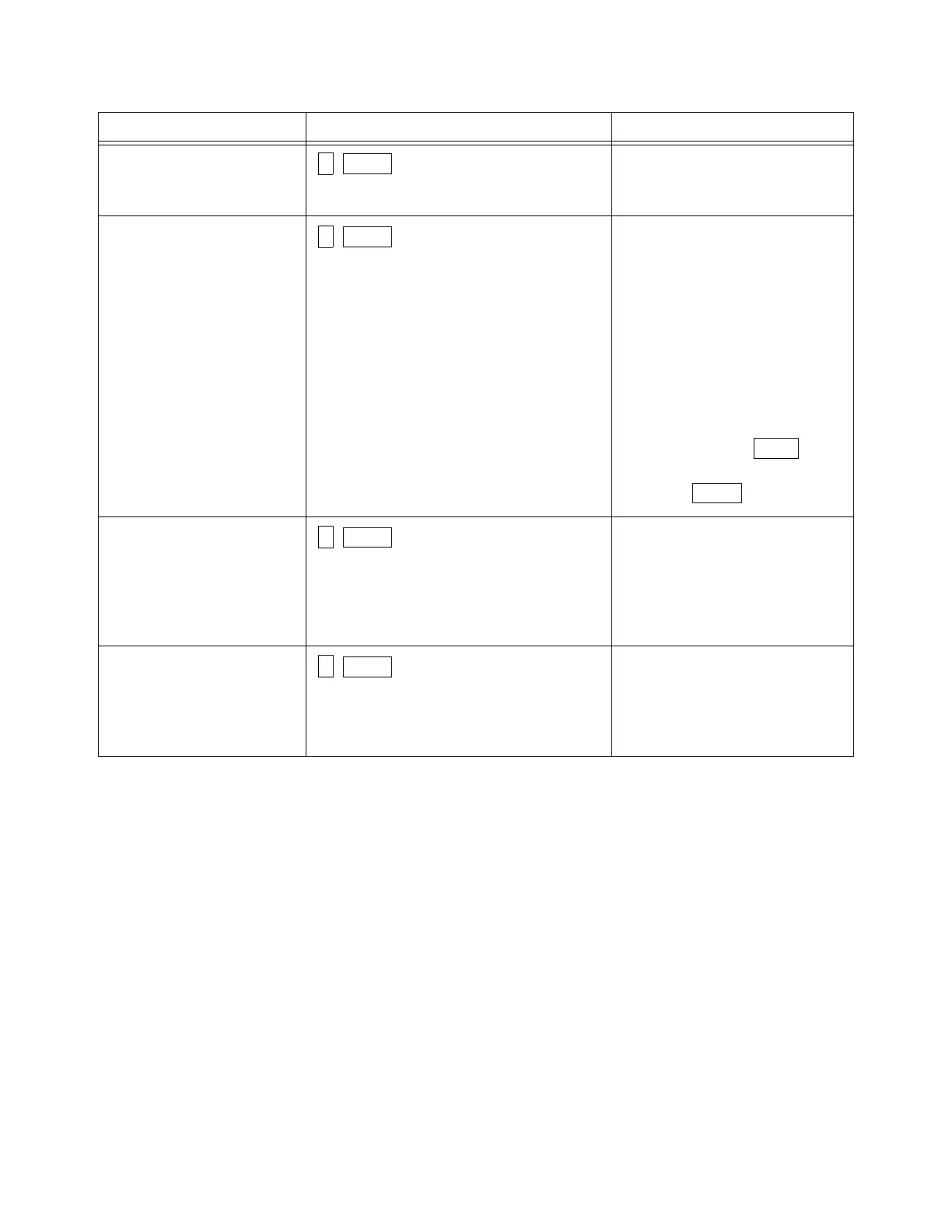
To Press From Here You Can Press
6
ENTR
7
ENTR
ENTR
MUTE
8
ENTR
9
ENTR



 To Next Page