Printer
3-28
3
⑥
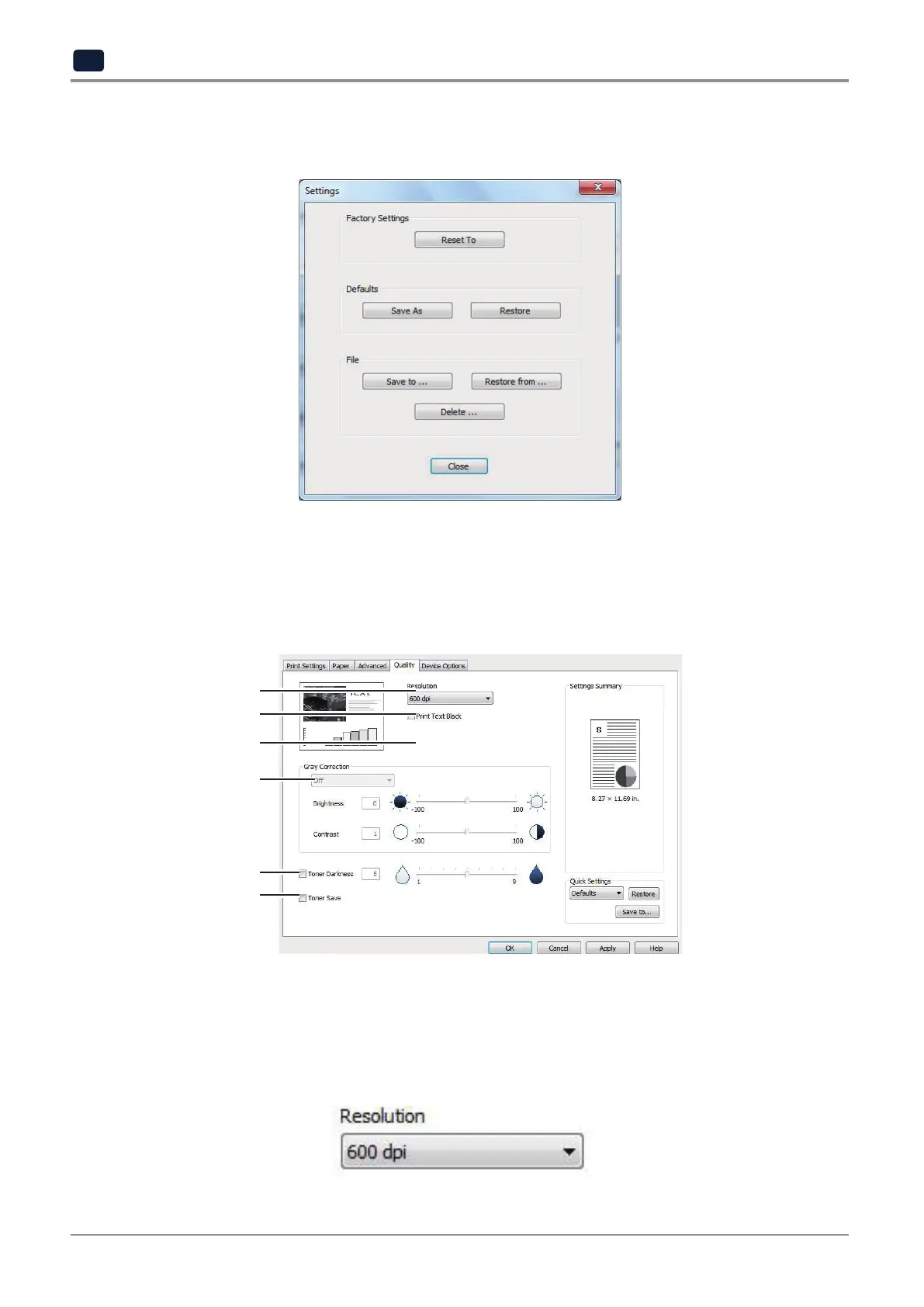
[Settings]
You can save the current printer settings, restore the previous settings, or reset all printer settings.
4.6 Print Quality tab
This tab includes options such as
“Resolution”, “Print Text Black”, “Halftoning”, “Correction”, “Toner Save”,
and
“Toner Darkness”
. To change the following print settings, open the print default setting page and click the Quality
tab to select buttons.
①
②
③
④
⑤
⑥
①
[Resolution]
User can select different resolutions for printing job. This option gives a print resolution in dots per inch (DPI or dpi).
Higher resolution offers better printing quality but it takes longer to send the print job to the printer and to process
the print job. Higher resolution requires more memory. When you get an error message,
“out of memory”
, lower
resolution must be selected.
User can choose 600 dpi, or 1,200 dpi.



 To Next Page