Maintenance and Troubleshooting
10-6
10
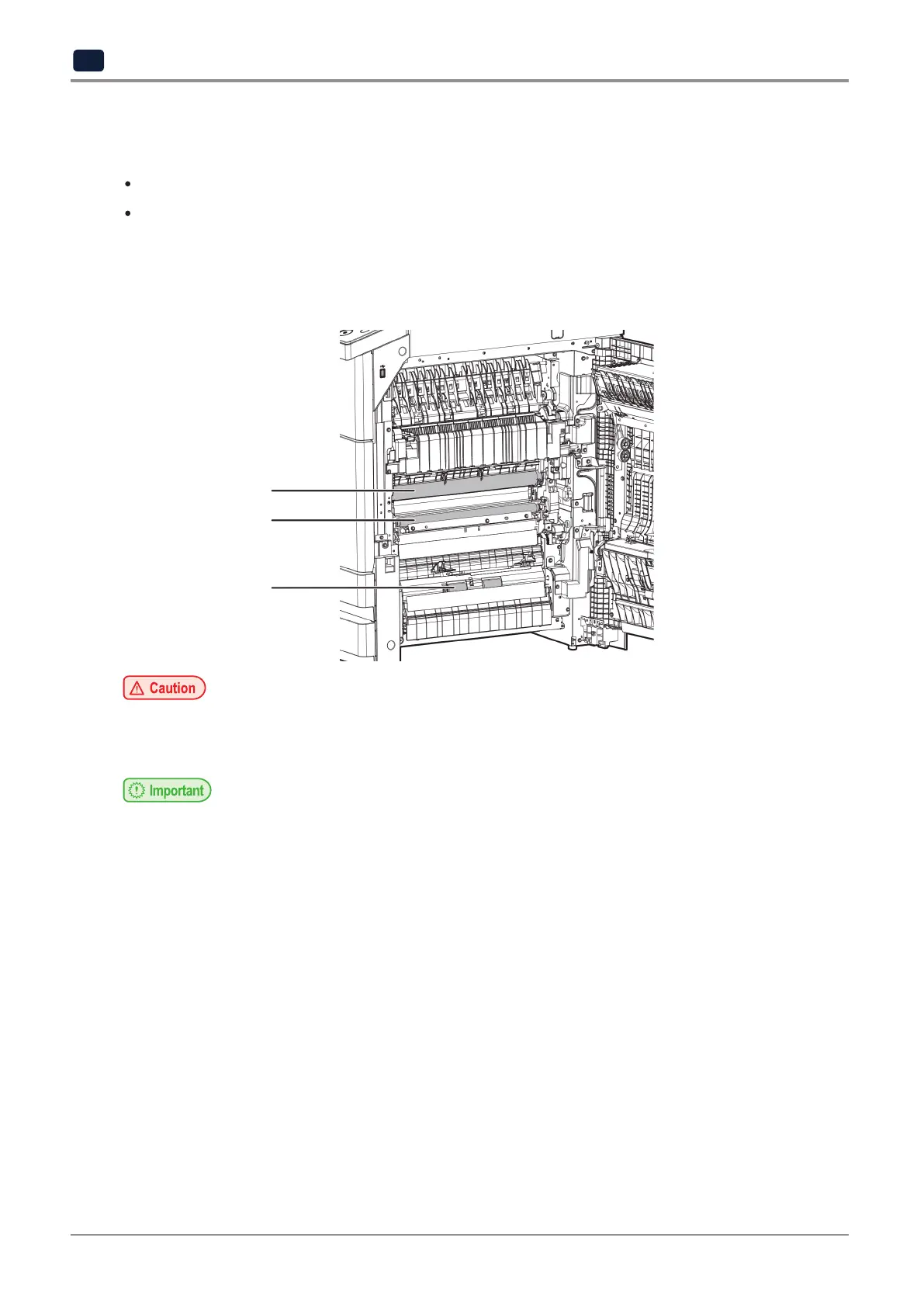
2.3 Clean printer area
For the following cases, clean the roller in the printer area.
Frequent paper jams
Low print quality
-
Dip the soft cloth into water, wring it out completely, and then clean the
surface. And wipe the surface with the clean and dry cloth.
-
Rotate the roller with your hand and wipe down the whole roller downwards.
-
The fuser unit and its surrounding areas are very hot while the device is operating.
-
Do not touch the fuser unit and its surrounding areas. It may cause burns.
-
Do not touch the OPC drum with your hands. It may cause print errors.
OPC Drum
Roller
Roller



 To Next Page