Before Use
8
3.7 Precautions in Using the Device
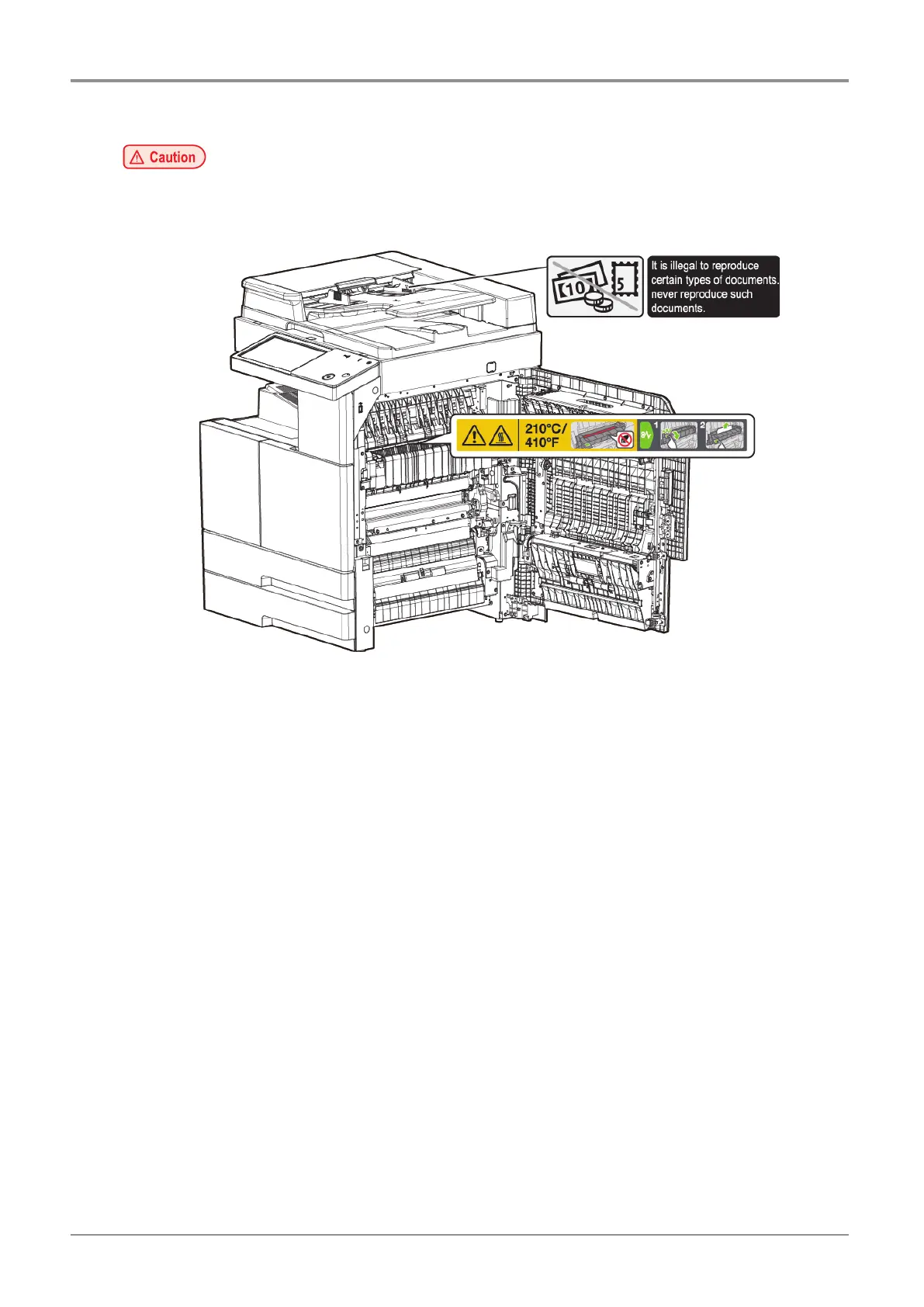
- The fusing unit and its surrounding areas are very hot while the device is operating.
Be careful not to touch the fusing unit and its surrounding areas when removing paper jam or looking
into the device. It may cause burns.
- When removing paper jam or replacing toner unit, prevent your eyes or mouth from toner powder.
If toner gets in your eyes or mouth, wash them away with clean water immediately and consult your
doctor.
- Make sure your hands or clothes are not stained with toner. Wash them away with cold water if your
hands or clothes are stained with toner. If you wash it with warm water, the stains may remain.
- Use the device only for the functions described in this manual.
- Do not remove warning labels or signs.
When a warning label or sign is contaminated, clean it immediately for clear view.
When a warning label or sign is contaminated and it is not possible to make them viewable, contact
customer support for help.
3.8 Dispose Used Battery
Ni-MH batteries are installed in the control board of MFP. Dispose batteries in an environment-friendly way according
to the manufacturer’s guidelines. Consult a qualified service technician to replace batteries.



 To Next Page