4-21
Scanner
4
5
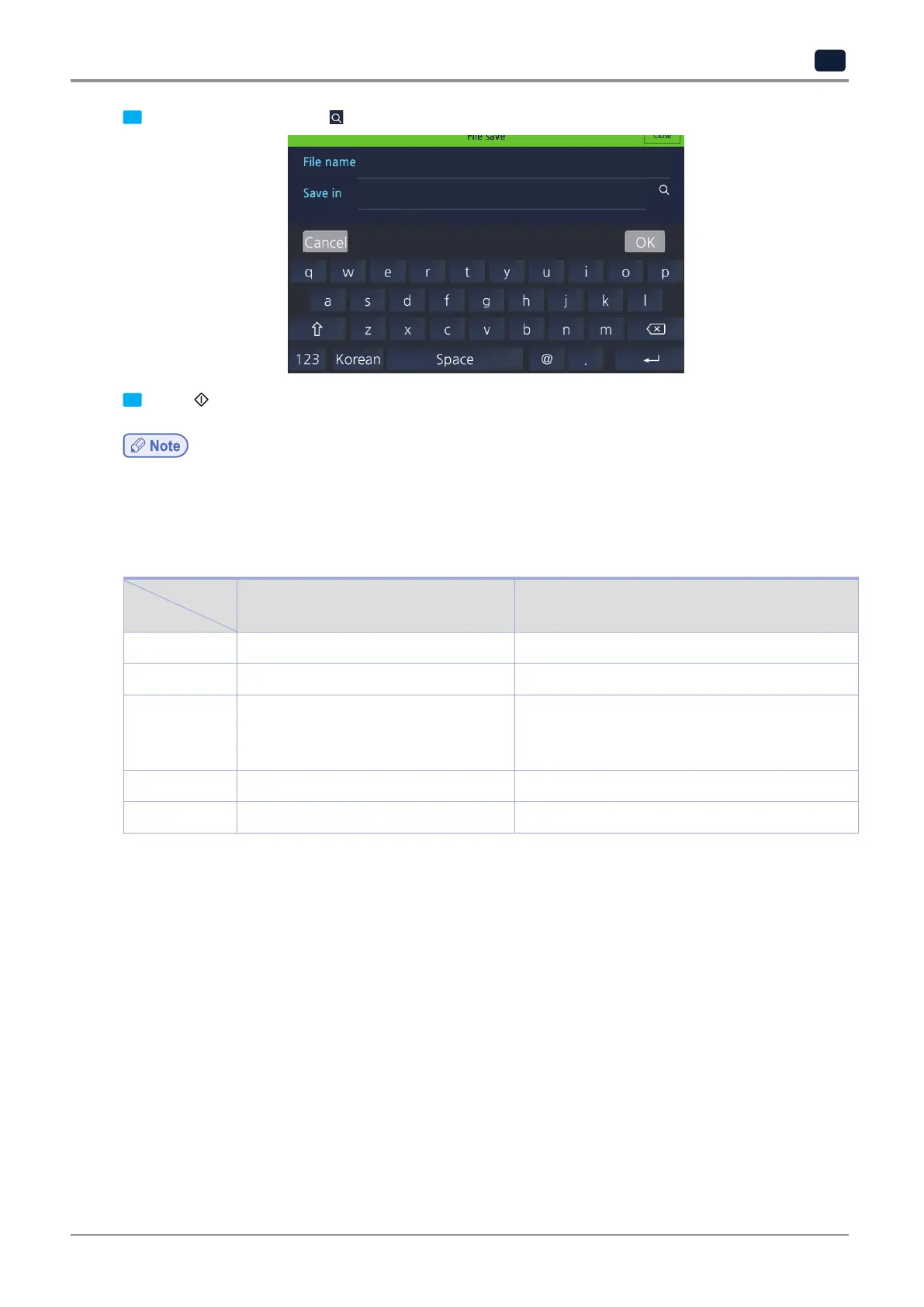
Enter
[File name]
and select
[ ]
in
[Save in]
to choose a location to save file.
6
Press 【
】 button to scan the original and the scanned image is saved in the USB memory.
-
A scanned file is saved as a filename, “YYYYMMDD_HHMMSS_number”.
User can manually enter filenames except the number.
6.1 Scan Settings
Item
Menu
Description Options
Color/BW
Select color type for scan images. Color,
*
grey, B&W text, B&W image
Resolution
Select resolution for scan images. 150DPI, 200DPI,
*
300DPI, 600DPI
From
Select size for original to scan.
*
Auto, A6, A5, B6, B5, A4, B4, A3, Statement,
Executive, LT, Legal, 11”x17”, 16K, 8K,
Custom, etc
Save as
Select file format to save image files. JPEG, TIFF,
*
PDF, secure PDF
1)
Scan density
Select brightness of scan images. 1 ~ 9, default : 5
*
: factory default settings
1)
Permission password (required) and document password must be set.



 To Next Page