Scanner
4-16
4
5
Select
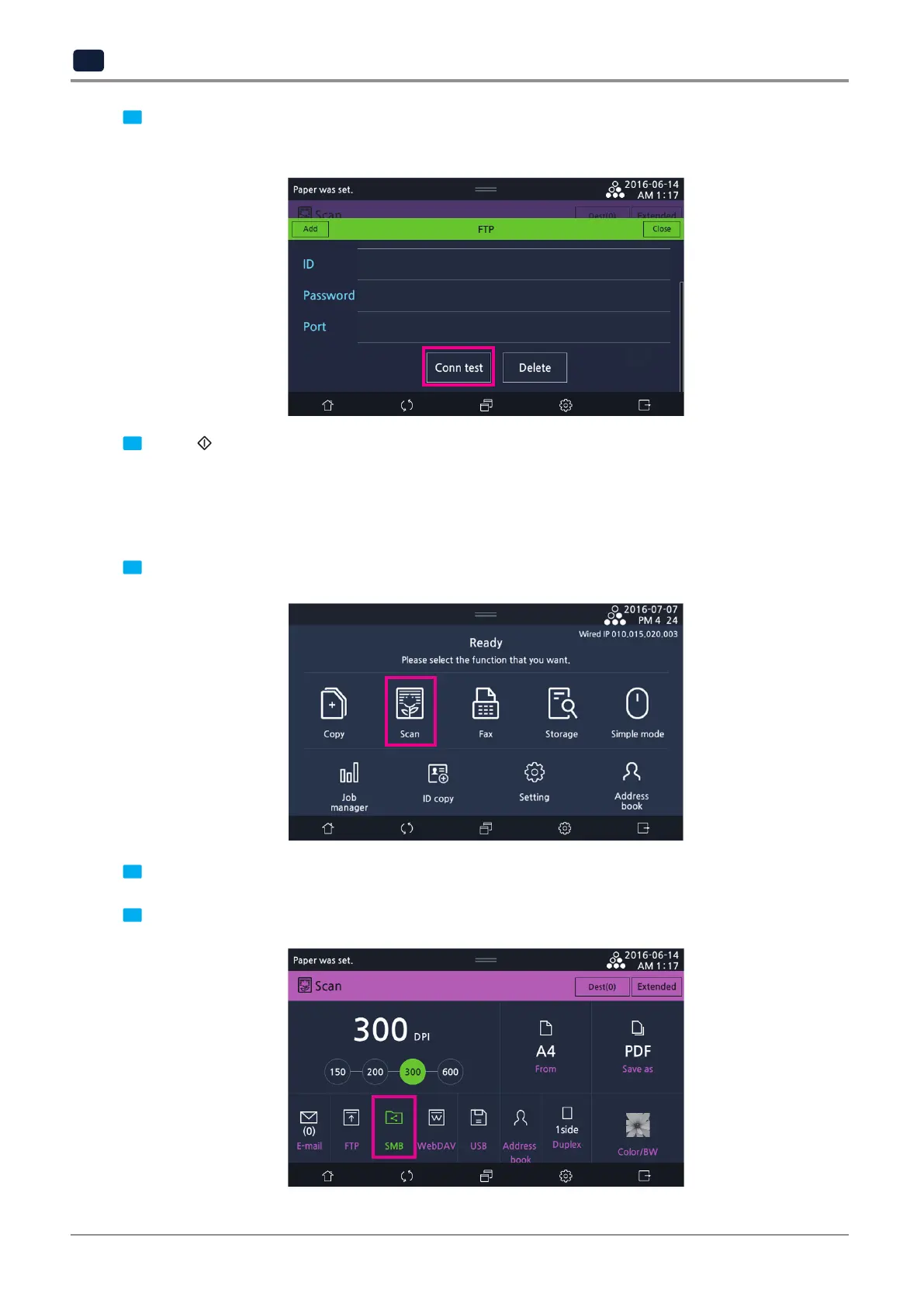
[Conn test]
to check the connection. If connection is unsuccessful, the FTP cannot be connected.
Enter a new address or select
[Delete]
. When checking connection is finished, press
[Close]
.
6
Select 【
】 button to scan the document and then the image is sent to the FTP.
5.3 Send to shared folder
Scanned images can be sent to the shared folder.
1
Select
[Scan]
on the LCD home screen to enter the scan setting mode.
2
Place an original document on flatbed glass or automatic reverse document feeder (ARDF).
3
Press
[SMB].



 To Next Page