Preparation for using MFP
1-6
1
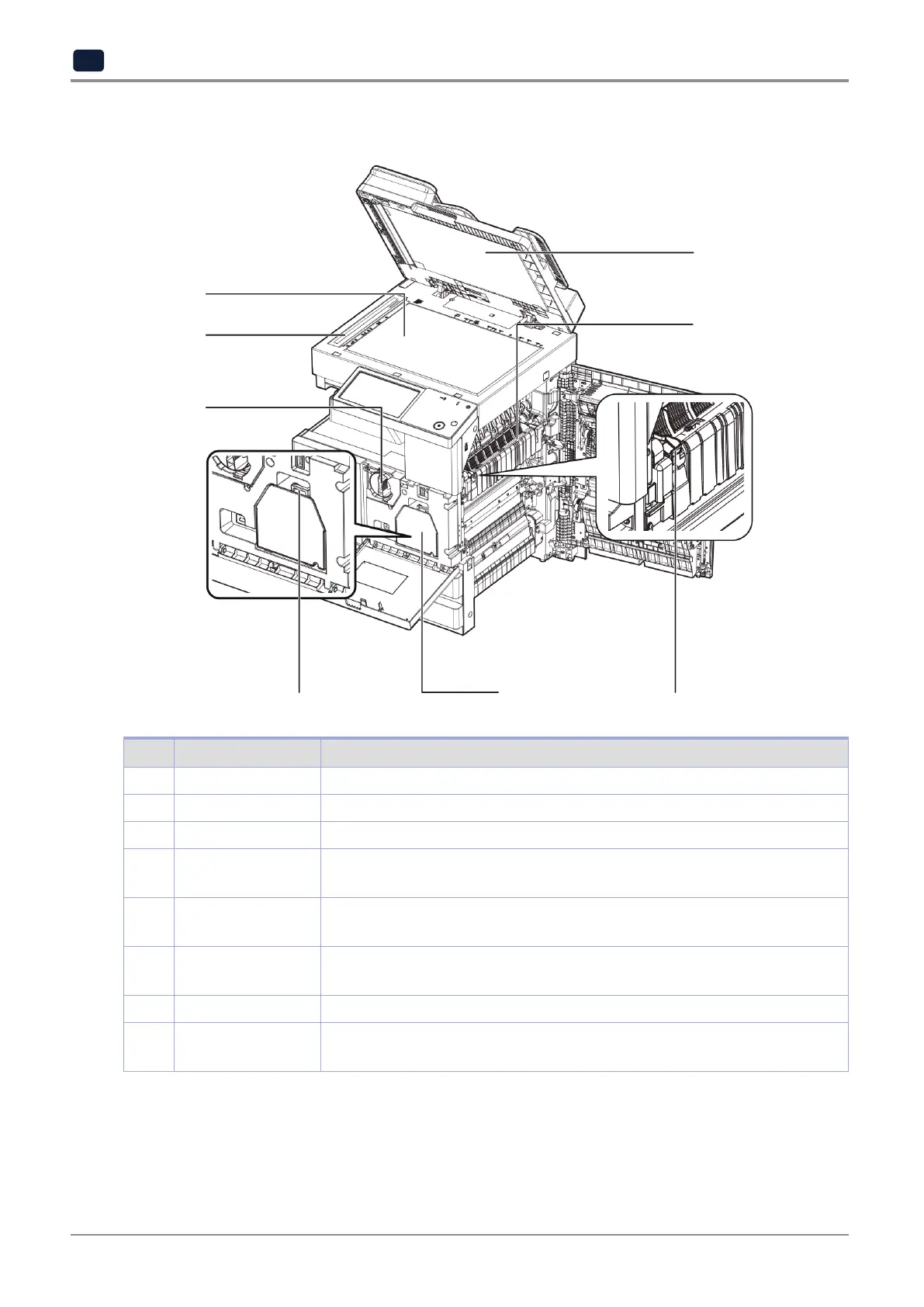
2.2 Internal parts
1
7
2
3
5
4
6
# Name Description
1
ARDF glass Originals sent from ARDF get scanned.
2
Flatbed glass Face down the side of original to scan.
3
Flatbed pad Arrange an original at appropriate position.
4
Fuser unit cover
handle
To remove a jammed paper, grab this handle and open the fuser unit cover.
5
Fuser unit The fuser unit gets hot when device is working.
Be careful not to get burned.
6
Developer/drum unit Do not touch it with bare hand.
It may lower the print quality.
7
Toner unit Supplies toner to the device.
8
Developer/drum unit
handle
Grasp the handle and pull to remove the developer / drum unit.
8



 To Next Page