Additional Functions
8-12
8
4.2 How to use saved program
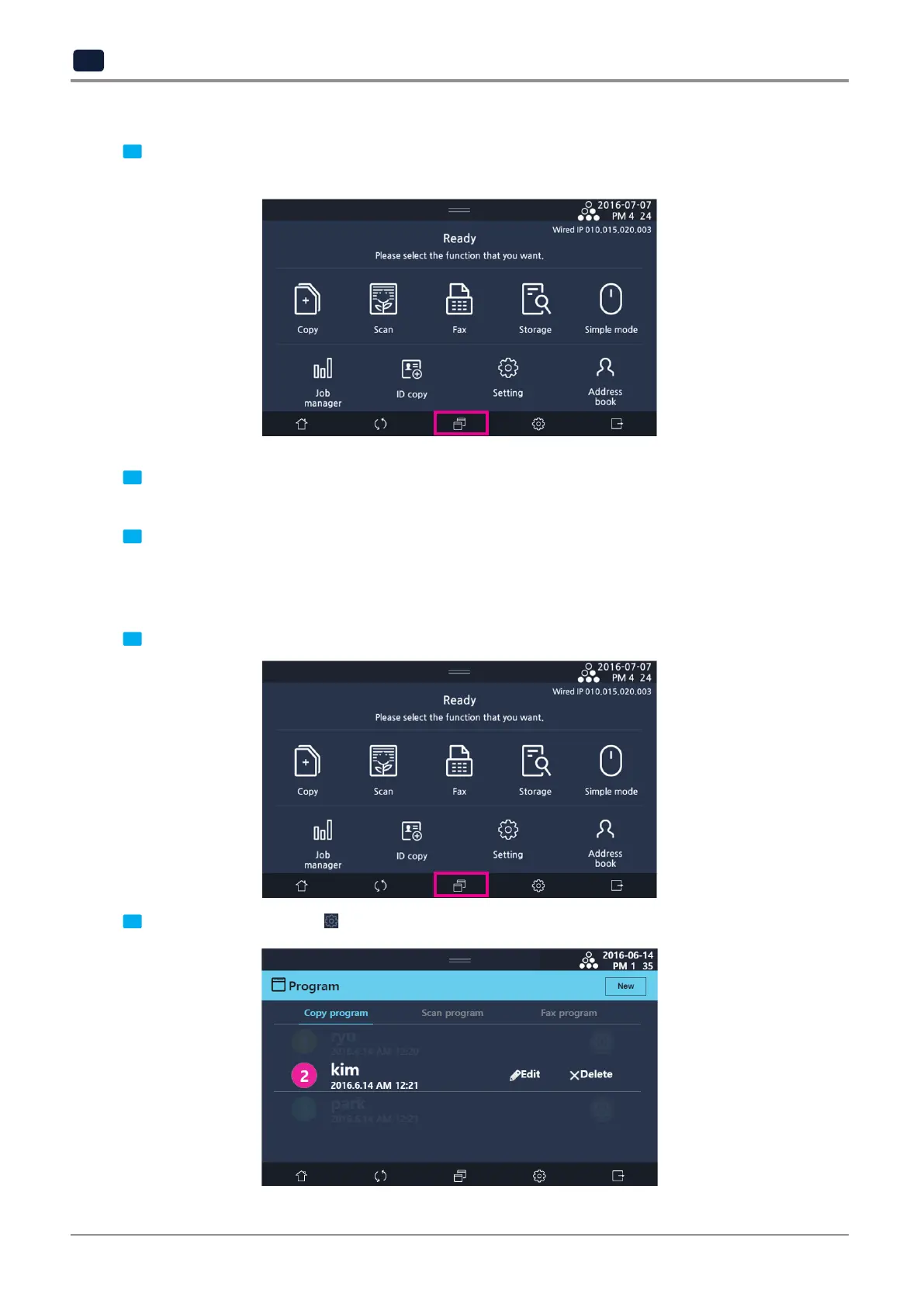
1 Select
[Program]
on the main function screen (copy/scan/fax) to save specified settings
and use it again.
2 Save program list is separated by each function tab. Select a program tab from
[Copy program],
[Scan program],
or
[Fax program]
and select a program to load from the list.
3 According to the specified settings for the program, a changed function screen appears on the screen.
4.3 Edit or delete registered program
1 Select
[Program]
on the main function screen (copy/scan/fax) to save specified settings and use it again.
2 On the program list, select
[
]
for the entry to edit or delete. Then you can select
[Edit]
or
[Delete].



 To Next Page