2-7
Copying
2
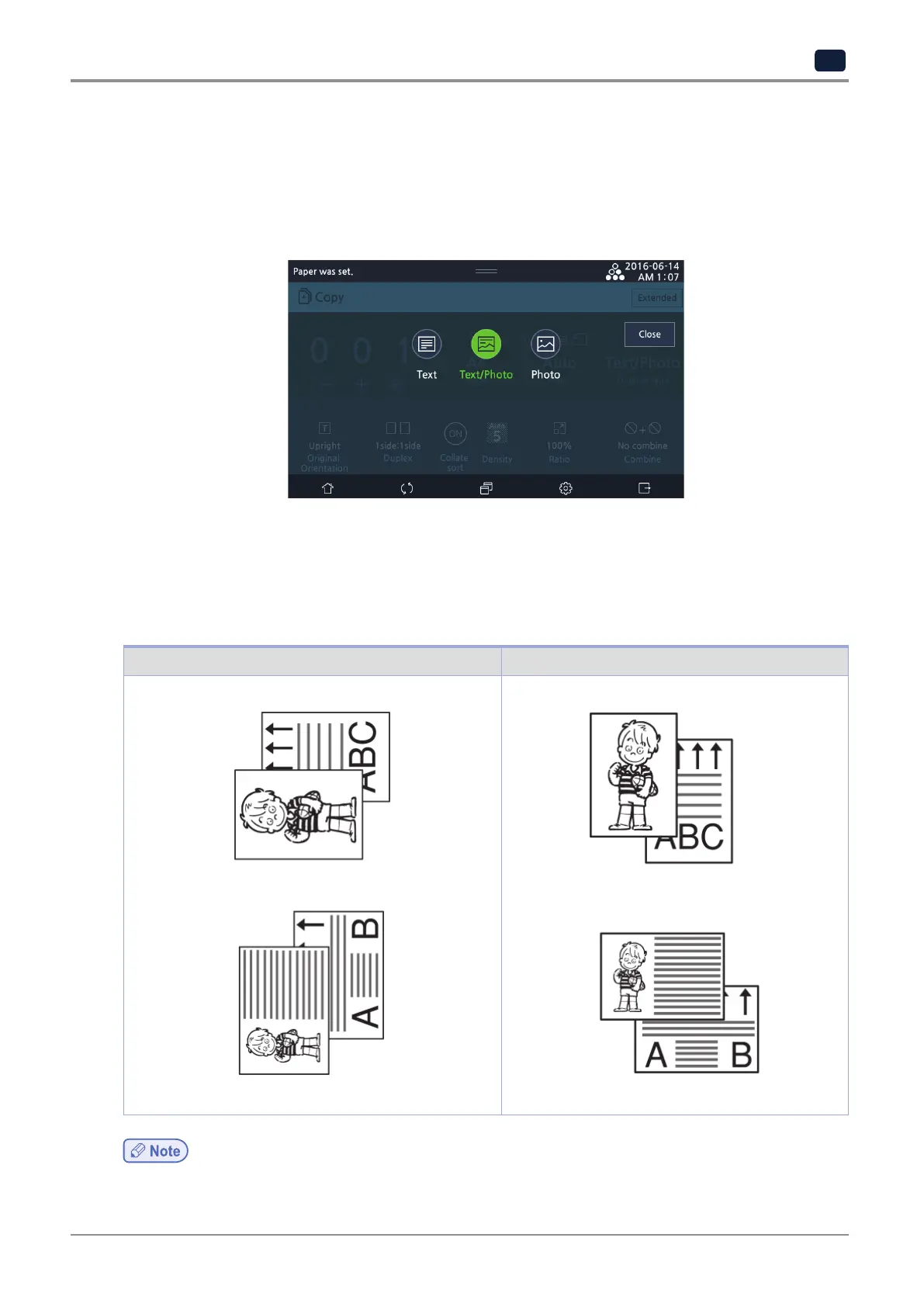
3) Original type
After selecting original type, press [Text/Photo].
-
Text: scans original which includes texts only.
-
Text/Photo: scans original with photos, images, and texts.
-
Photo: scans original which includes photos and images only.
4) Original text orientation
Different copy results will appear depending on how to place originals with longer width or longer length.
Depending on the text orientation of original, you can select the orientation on the LCD screen.
In basic settings, select [Original Orientation] and select a text orientation.
The below figure shows how to place original depending on the text orientation.
9 o'clock 12 o'clock
-
Duplex copy or combined copy will affect printing orientation.



 To Next Page