10-13
Maintenance and Troubleshooting
10
4. Error messages
When communication or device error occurs, a warning signal in red light will appear on the LED status display.
Then an error message appears on the control panel or the message gets printed to alert users.
4.1 Warning messages in LED status display
When communication or device error occurs, a warning message appears on the LED status display.
If the warning signal remains, take a necessary action to fix the problem.
When the cause of error is fixed, the device becomes stand-by.
Red light is on the LED display when
-
paper jam occurs
-
cover or cartridge is open
-
a serious device error occurs
-
there is no paper
-
there is no toner
-
memory is insufficient while receiving fax
-
memory is insufficient while saving document
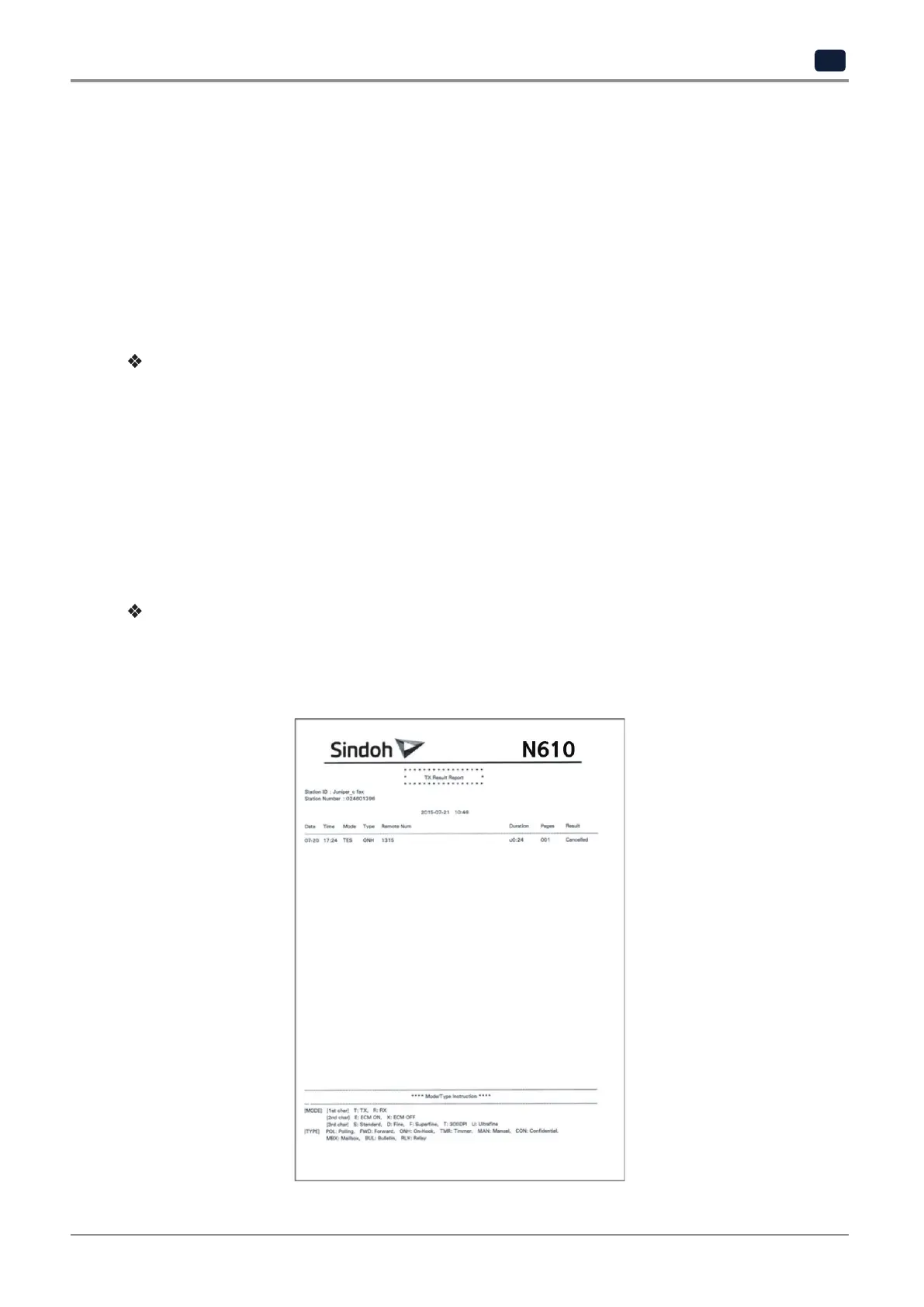
Error messages printed
When communication or device error occurs, description of the error is displayed on the LCD panel. Check the
message and take a necessary action.
-
Example of printed message



 To Next Page