2-3
Copying
2
-
Factory default settings for copying are as follows:
Papers: A4
, original type: text/photo, original orientation: 12 o’clock, duplex: 1side-1side, collate: Yes,
density: 5, Ratio: 100%, combine: no.
1) Originals
Select type of originals for flatbed or ARDF.
1 Press [From].
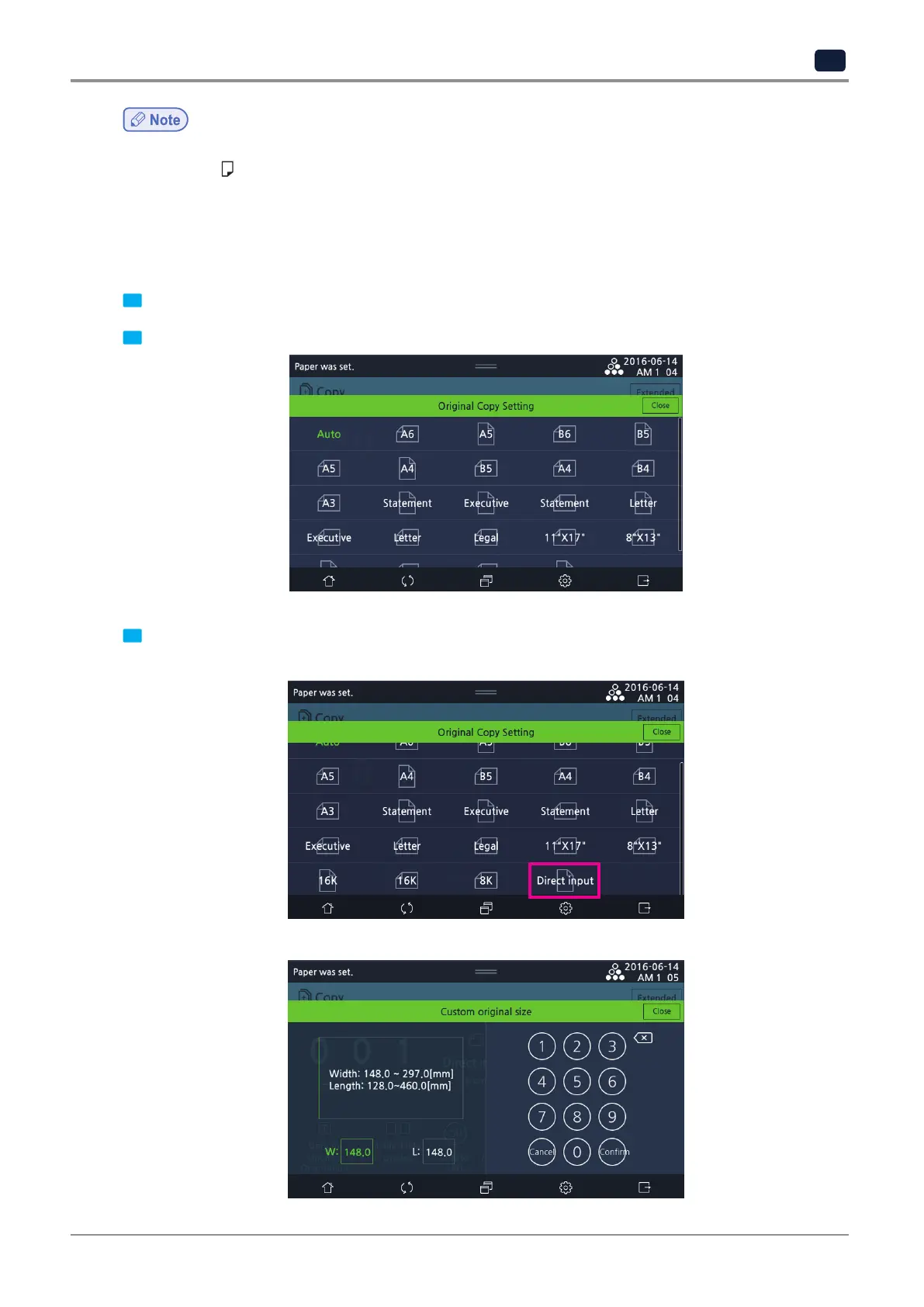
2 Select an appropriate original size from the selection screen.
3 If the original is in non-standardized size, select [Direct input] on the LCD screen.
Select Width or Length on the LCD screen and use the number keys to enter the original size.
▼



 To Next Page