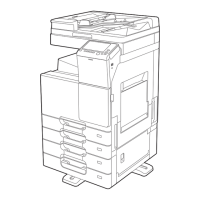
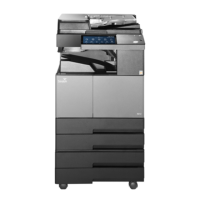
Preparation for using MFP
1-2
1
1. Major Functions
1.1 Copy
General copy
User can make copies of originals in various sizes on different type of papers. For details, see P. 2-3 「1) Originals」.
Duplex copy
Users can make copies of originals on both sides of papers.
For details, see P. 2-8 「5) Duplex」
Combined copy
Two, four or eight original pages can be copied on a single sheet of paper. This function can be used with duplex
copy to save more papers. For details, see P. 2-15 「9) Combine」.
ID copy
Both sides of your driver’s license or business card can be copied on a single sheet of paper.
For details, see P. 8-4 「2. ID copy」.
Rotate sort (cross stack)
If you make copies of multiple series, copies can be stacked at different position for easier sorting.
For details, see P. 2-19 「Rotate sort」, and P. 6-18 「Paper/tray setting」.
1.2 Scan
Scan with computer
User can use TWAIN compatible application to scan documents to computer.
Scanned files are transferred to the application and those files can be edited or saved with the application.
For details, see P. 4-3 「2. Scan document with computer」.
Scan with MFP
When an image is scanned on MFP, it can be saved in the following ways:
On USB portable memory
As an attachment to E-mail
In the FTP server
Sent to WebDAV
Save in the share folder
Images can be saved in the following format: JPEG, PDF, or TIFF.
For details, see P. 4-9 「4. Scan setting」.



 To Next Page