3-3
Printer
3
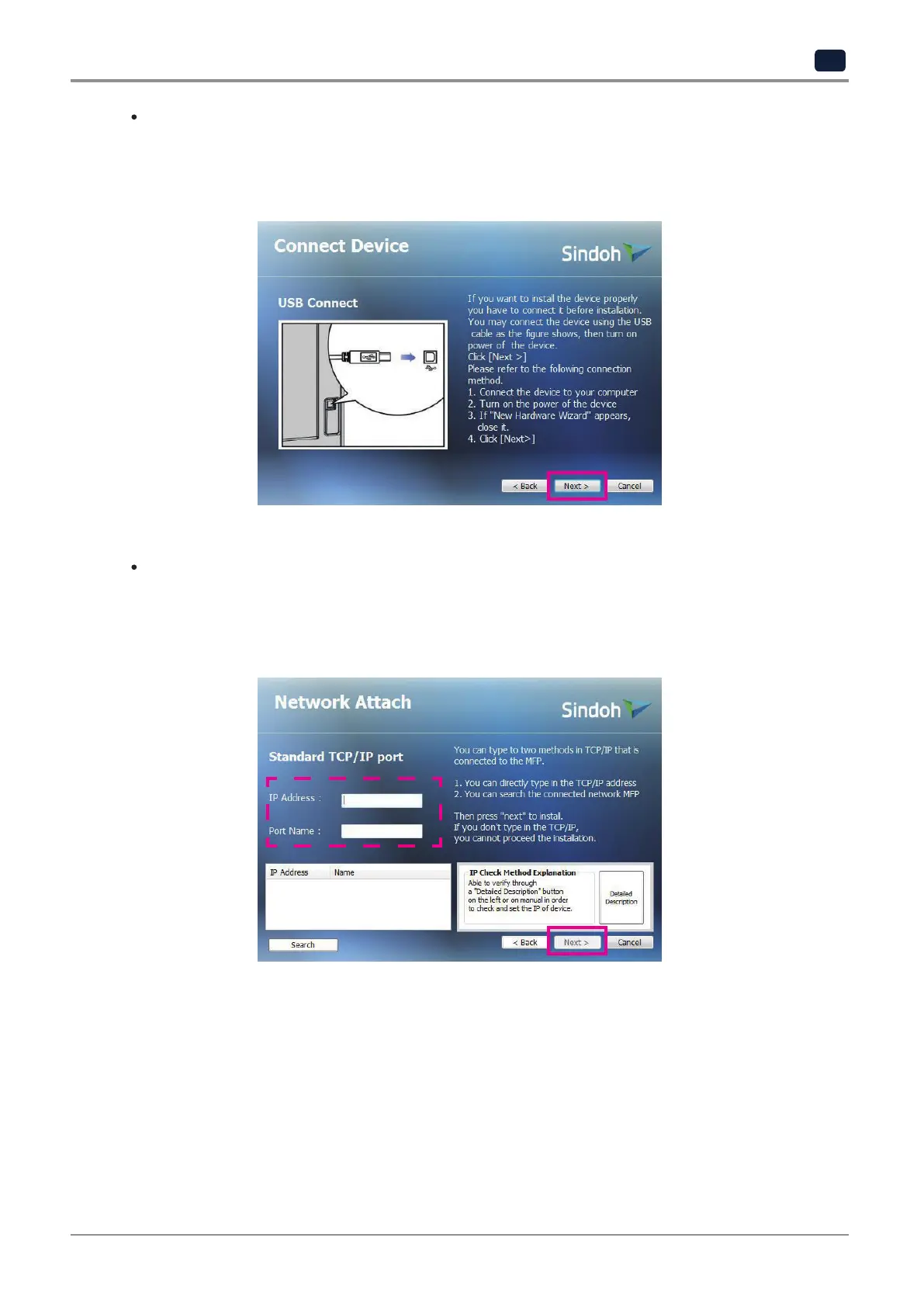
USB attached
-
When USB attached is selected, default printer and scan driver are installed.
After installation, you can print and scan by using USB.
-
Follow the instruction for device connection and click
[Next>]
.
Network attached (recommended installation)
-
When network installation is selected, default printer and scan driver are installed.
After installation, you can print and scan by using the network.
-
Enter IP address and port name and click
[Next>]
.



 To Next Page