FMON10JEN 07.04.2017 Rev. 10J
23 (23)
Table 4 Function keys
Function key Description
SET
When pressed momentarily, the set nominal flow of the selected flow meter is displayed
for 5 seconds instead of the measured flow rate.
When pressed 3 seconds, setting mode is entered. Setting mode requires password ap-
proval.
MODE Select display mode.
< > Select a flow meter to display in measuring mode.
Change numeric values in setting mode.
Table 5 Display texts
Display text Description
F1, F2… Currently displayed flow meter; F1 = flow meter no. 1 etc.
C
Temperature is displayed in Celsius.
F
Temperature is displayed in Fahrenheit.
PPP Enter password for setting mode.
ACC
Password correct entering setting mode.
Err
Password incorrect returning to measuring mode.
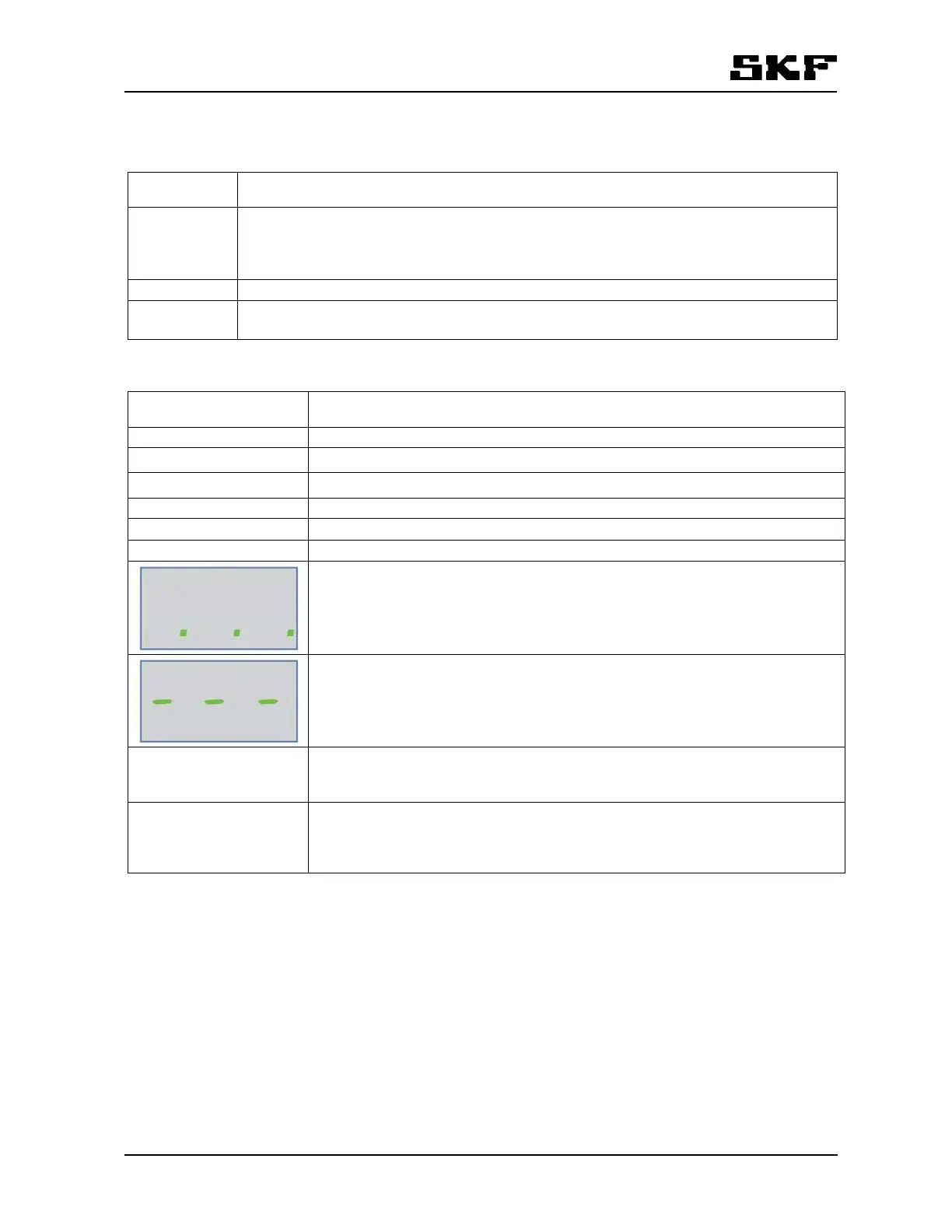
Display in standby mode (3 decimal dots).
If the monitor function keys are not used for 2 minutes and there are no active
alarms, the display enters standby mode. Normal display is reactivated, when a
key is pressed or an alarm is triggered.
Displayed flow meter is not responding (3 hyphens). Refer to the section
12Troubleshooting.
F *** Sum flow. The display returns to show the sum flow automatically after one mi-
nute.
*** Only in FL100.
FA & Fb *** Two side flows is measured in FL 100. Measurements is combined to sum flow.
The individual side flow can be displayed by pressing arrow to right. The display
will automatically return to sum flow.
*** Only in FL100.


 To Next Page