6 Electrical Connection
SMA Solar Technology AG
Operating manual EVC22-3AC-20-BE-en-10 55
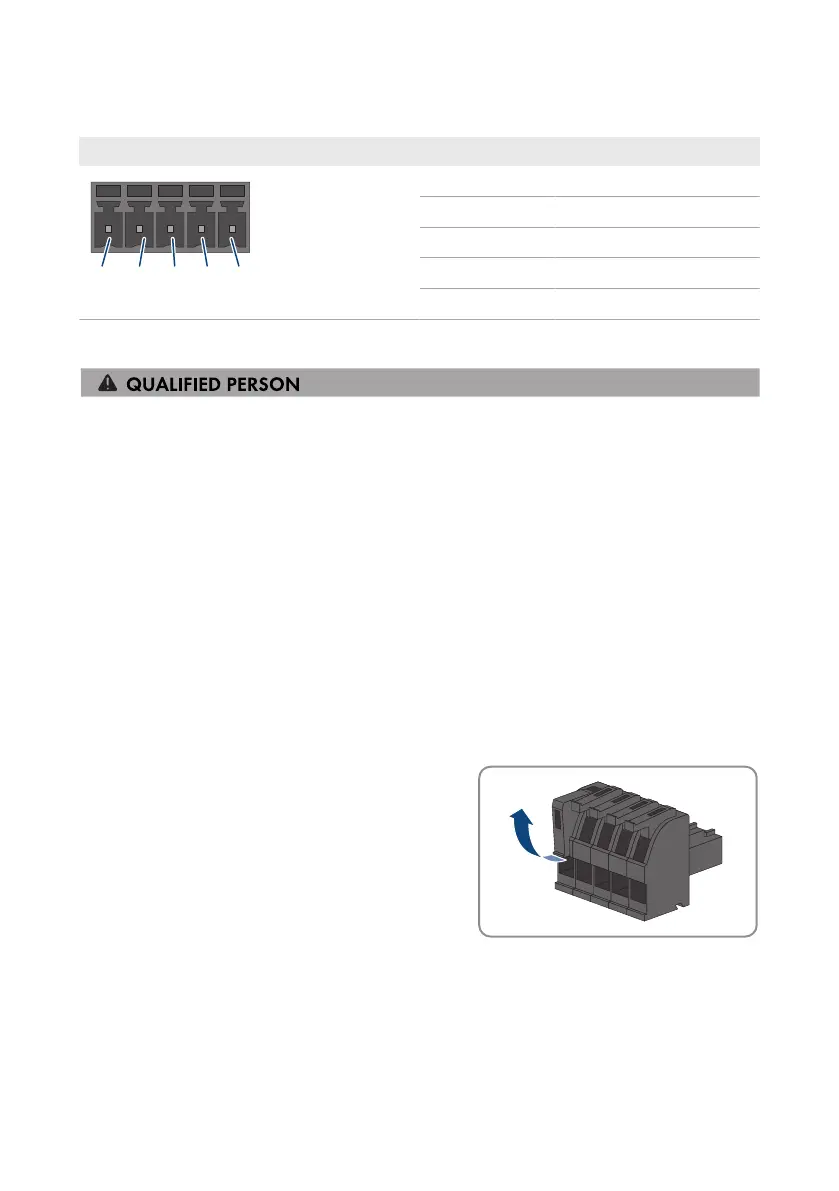
6.9.2 RS485 pin assignment
RS485 interface Pin Assignment
1 Data+
2 Not assigned
3 GND
4 Data -
5 Shield
6.9.3 Connecting RS485
Additional required material (not included in the scope of delivery):
☐ One communication cable for RS485 communication
Requirements:
☐ The communication cable must be technically suitable for connecting to the RS485 interface
(see Section6.1.9, page43).
☐ The same baud rate (1200 baud, 9600 baud or 19200 baud) must be set in all RS485
devices.
Procedure:
1. Disconnect the charging station from voltage sources (see Section9, page81).
2. Connect the communication cable to the RS485 interface (see manufacturer's instructions).
3. Run the cable to the RS 485-1 slot.
4. Dismantle the cable by 80mm.
5. Strip off the conductor insulation by 6mm.
6. Unlock the conductor inserts on the provided 5-pole
connector.



 To Next Page