8 Operation
SMA Solar Technology AG
Operating manualEVC22-3AC-20-BE-en-1078
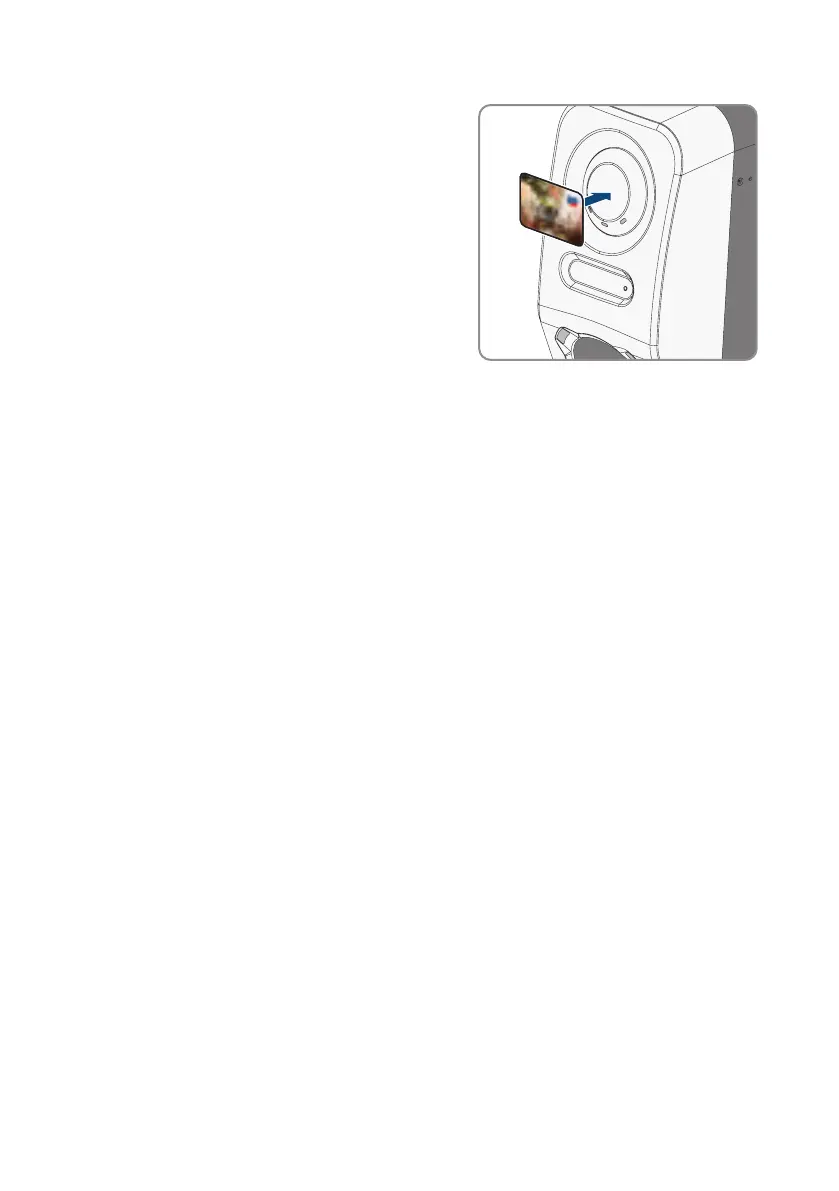
3. Authorize the charging process. To do so, hold the
RFID card up to the sensor for about 10mm.
☑ A rapidly flashing yellow LED indicates that the authorization required for the charging
process as successful.
☑ The green LED flashes slowly.
☑ The charging station is now ready for use. Depending on which charging mode has been
selected, the charging process starts immediately or is delayed as specified by the energy
manager.
4. Knocking twice on the sensor activates the fast charging function (see Section4.3, page23).
Also see:
• Properties of Charging Modes⇒page75
8.13.4.2 Authorizing the charging process via Energy App
Requirement:
☐ The charging station is ready for operation and the green LED indicator is flashing (see
Section4.6, page27).
☐ The SMA Energy App is installed on your smart device and open.
☐ Charging approval is activated (see Section8.13.3.1, page76)
Procedure:
1. Connect the charging cable to the vehicle.



 To Next Page