Page 102
501 SE Columbia Shores Boulevard, Suite 500, Vancouver, Washington 98661, USA l +1 360 859 1780
SmartRG Inc. Propriety and Condential. All Rights Reserved. Copyright © 2014 smartrg.com
MANAGEMENT
Settings
Backup
Current settings for your gateway can be backed up to a le stored on your computer.
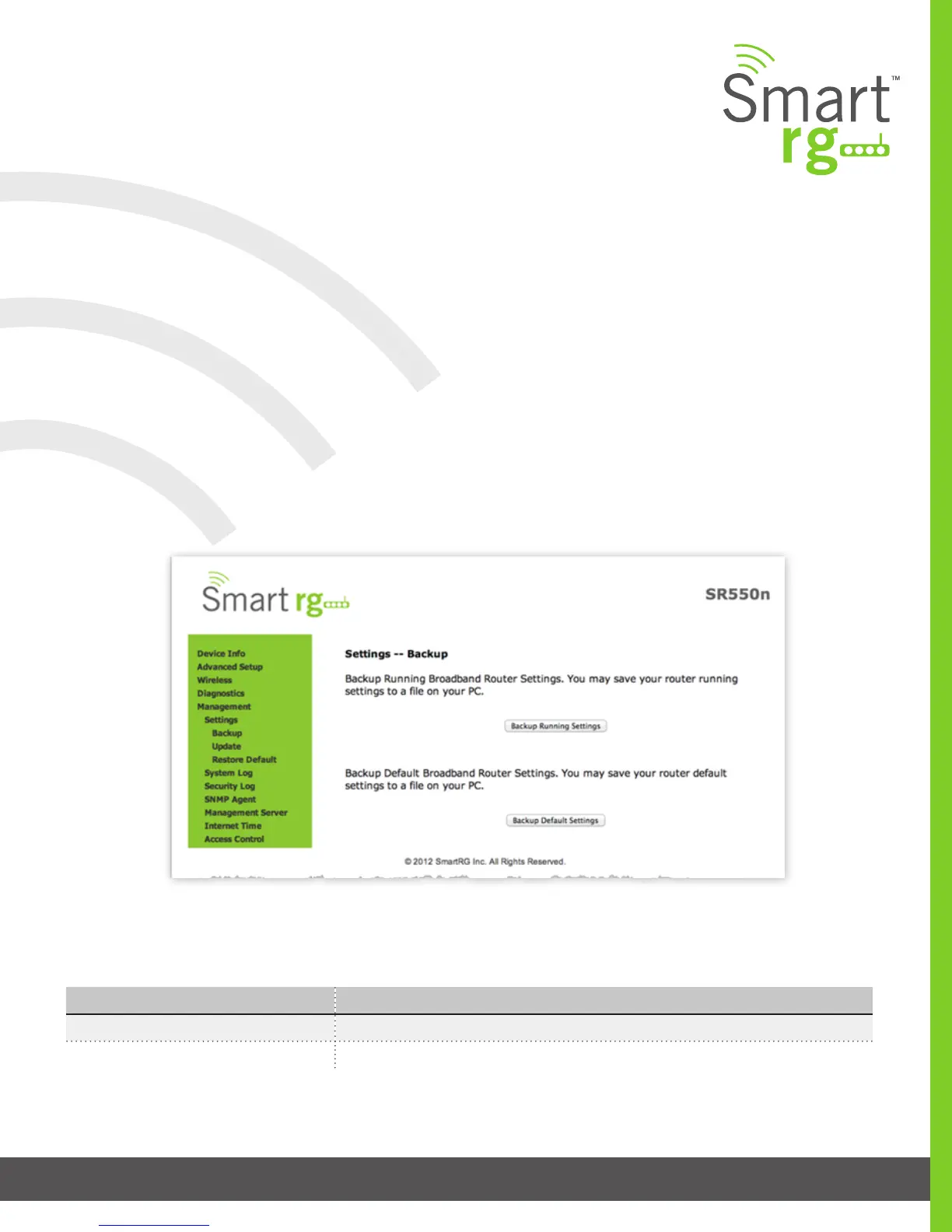
After selecting Management -> Settings -> Backup from the left navigation bar, the following screen will appear. Select the type of
backup you desire.
The individual elds on this screen are dened as follows:
Field Name Description
Backup Running Settings This button will locally save a backup le of the currently running settings
Backup Default Settings This button will locally save a backup le of the Defaulted settings



 To Next Page