Page 83
501 SE Columbia Shores Boulevard, Suite 500, Vancouver, Washington 98661, USA l +1 360 859 1780
SmartRG Inc. Propriety and Condential. All Rights Reserved. Copyright © 2014 smartrg.com
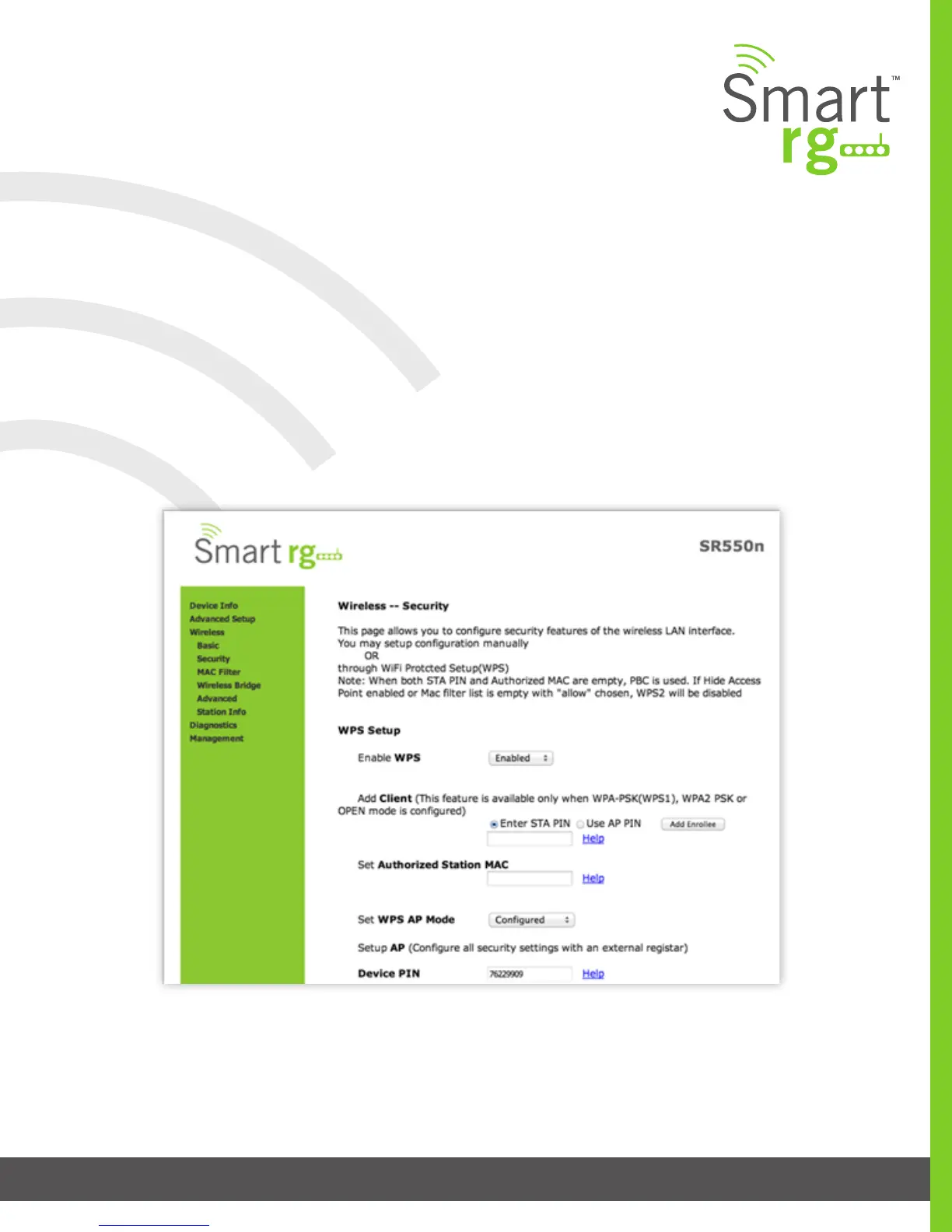
Security
Utilize this screen to congure security features of the wireless LAN interface.
You may conguration it manually or via Wi-Fi Protected Setup (WPS).
After selecting Wireless -> Security from the left navigation bar you may modify settings as desired.
Click Apply/Save to commit your settings.
Note: When both STA PIN and Authorized MAC are empty, PBC becomes the default value.
If Hide Access Point is enabled or the MAC lter list is empty with “allow” chosen, WPS2 will be disabled.



 To Next Page