Page 99
501 SE Columbia Shores Boulevard, Suite 500, Vancouver, Washington 98661, USA l +1 360 859 1780
SmartRG Inc. Propriety and Condential. All Rights Reserved. Copyright © 2014 smartrg.com
Field Name Description
Global Max Clients [1-255] The maximum number of client devices that can connect to the router.
Xpress TM Technology [Enabled, Disabled] Xpress Technology is compliant with draft specications of two
planned wireless industry standards
Transmit Power Set the desired output power (by percentage).
WMM (Wi-Fi Multimedia) [Auto, Enabled, Disabled] When enable, this technology allows multimedia services
(audio, video and voice packets) to get higher priority.
WMM No Acknowledgement [Enabled, Disabled] Refers to the acknowledge policy used at the MAC level. Enable no
Acknowledgement for better throughput but in the event of a noisy RF environment,
higher error rates may result.
WMM APSD [Enabled, Disabled] Automatic Power Save Delivery, a power consumption saving
feature.
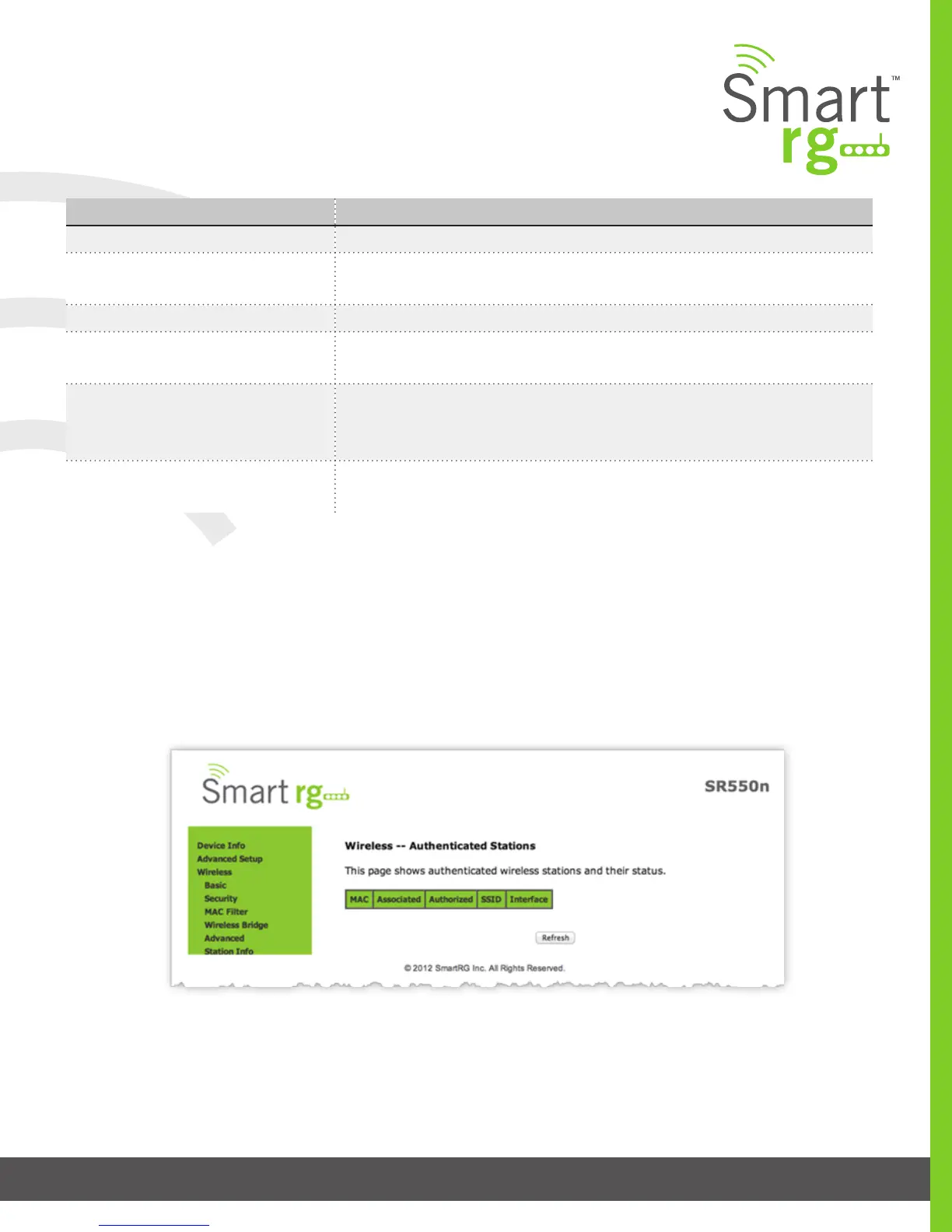
Station Info
This page displays authenticated wireless stations and their status.
Click the Refresh button to update the display.



 To Next Page