Page 43
501 SE Columbia Shores Boulevard, Suite 500, Vancouver, Washington 98661, USA l +1 360 859 1780
SmartRG Inc. Propriety and Condential. All Rights Reserved. Copyright © 2014 smartrg.com
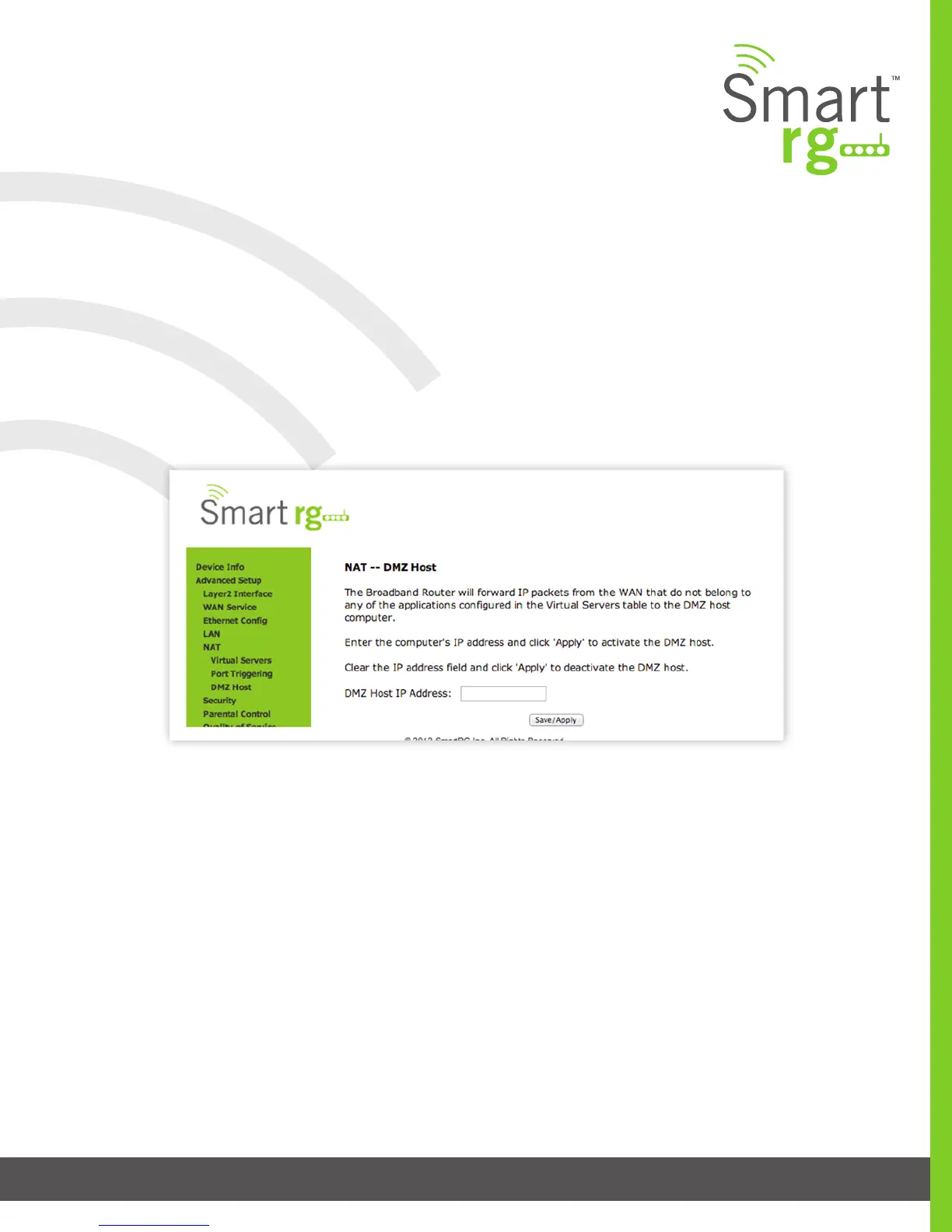
DMZ Host
The Broadband Router will forward IP packets from the WAN that do not belong to any of the applications congured in the Virtual
Servers table to the DMZ host computer. If it is desired to route all internet trac with no ltering or security to a specic LAN
device, add the IP address of that device to this eld.
After selecting Advanced Setup -> NAT -> DMZ Host from the left navigation bar, enter the DMZ Host IP Address.
Click Apply/Save to commit the new or changed address.



 To Next Page