Page 105
501 SE Columbia Shores Boulevard, Suite 500, Vancouver, Washington 98661, USA l +1 360 859 1780
SmartRG Inc. Propriety and Condential. All Rights Reserved. Copyright © 2014 smartrg.com
The individual elds on this screen are dened as follows:
Action Description
View System Log This button will display the system log.
Congure System Log This button will edit the system log
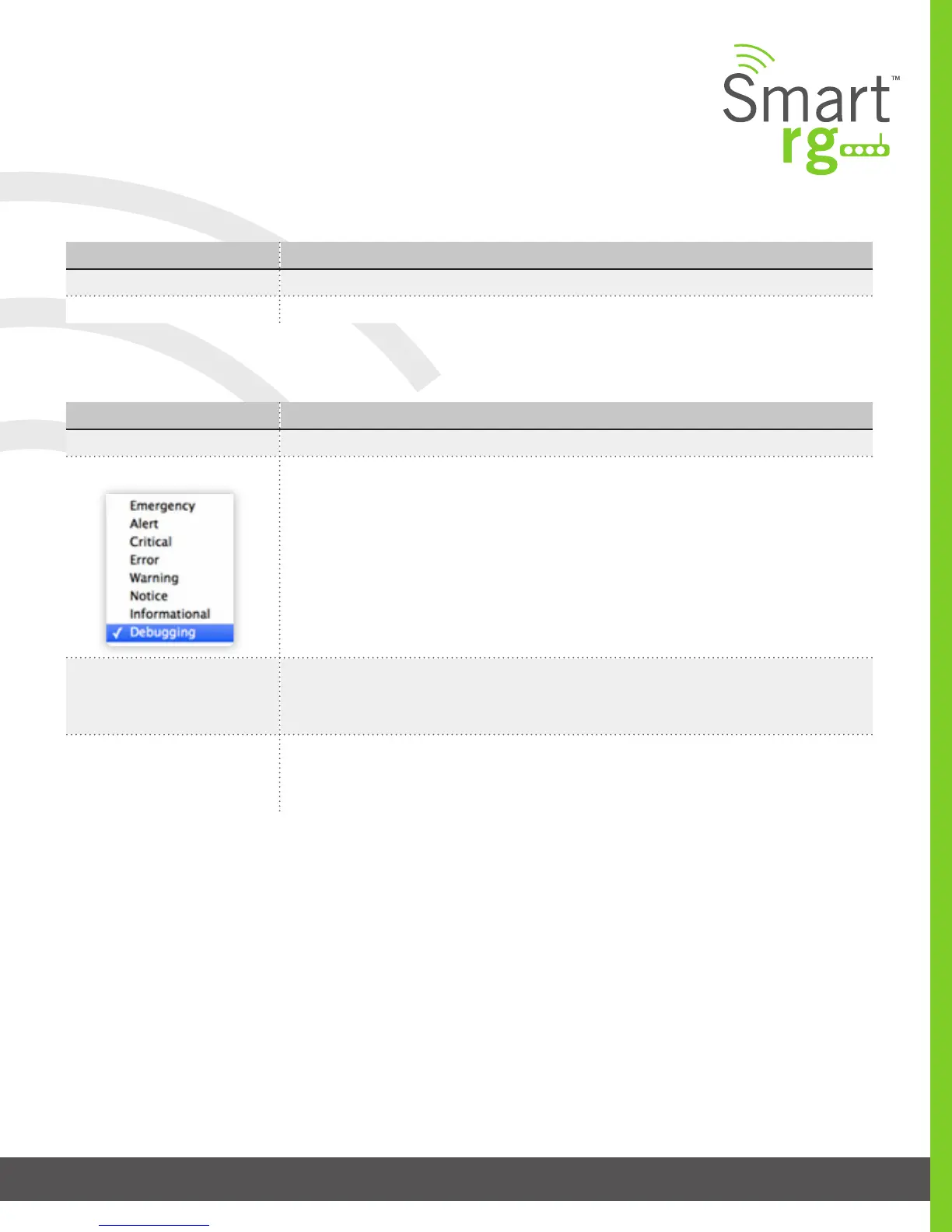
This table describes the options for conguration of the System Log
Action Description
Enable/Disable Select to turn logging completely off or on
Logging Level Options are displayed in top-down order of least verbose to most verbose. Error option is rec-
ommended (least verbose) unless actively troubleshooting a situation with a subscriber for
which increased detail is required.
Display Level Options are displayed in top-down order of least verbose to most verbose. Error option is rec-
ommended (least verbose) unless actively troubleshooting a situation with a subscriber for
which increased detail is required.
Mode Control where log events will be sent. Choose ‘Remote’ or ‘Both,’ to send to the specied IP
address and UDP port of the remote syslog server. Choose ‘Local’ or ‘Both,’ to record events in
the gateway’s local memory.
Security Log
The security log contains a history of events related to sensitive access to the gateway. Logged events include…
- Password change success
- Password change failure
- Authorized login success
- Authorized login fail
- Authorized user logged out
- Security lockout added
- Security lockout removed
- Authorized resource access
- Unauthorized resource access
- Software update



 To Next Page