Page 112
501 SE Columbia Shores Boulevard, Suite 500, Vancouver, Washington 98661, USA l +1 360 859 1780
SmartRG Inc. Propriety and Condential. All Rights Reserved. Copyright © 2014 smartrg.com
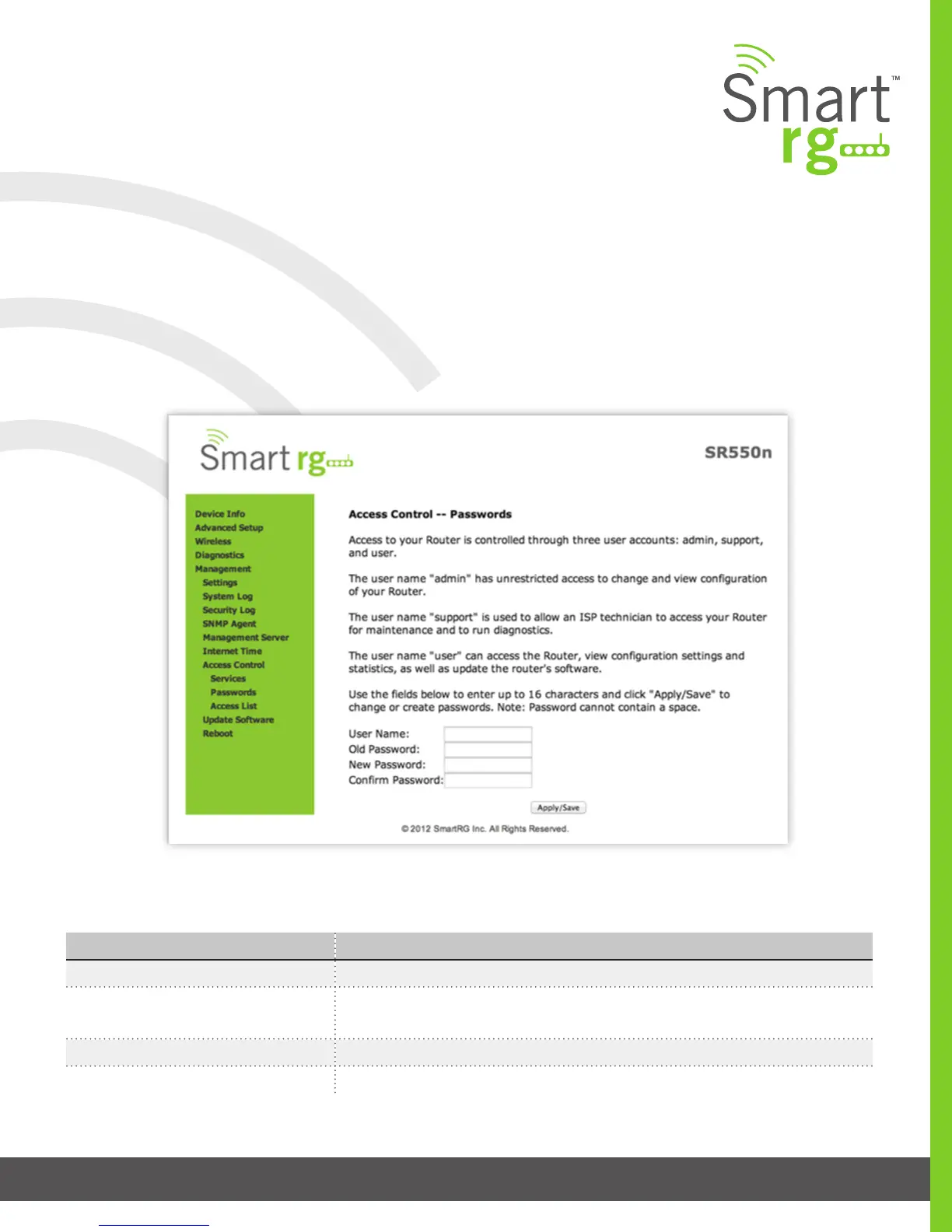
The individual elds on this screen are dened as follows:
Field Name Description
User Name [admin, support, user] Species name of account to be congured.
Old Password Enter the current password being acted on for the entered User Name. It is termed
the old password as the subsequent elds will replaces it with a new password.
New Password The new password being chosen for the entered User Name. (Max 16 characters.)
Conrm Password Re enter the desired new password exactly as entered for the previous eld.
Passwords
Establish or alter the passwords associated with access to the Gateway. Three accounts are available to manage: Admin, Support
and User.
After selecting Management -> Passwords you enter your desired settings for one login.
Click Apply/Save to commit your settings.



 To Next Page