Page 81
501 SE Columbia Shores Boulevard, Suite 500, Vancouver, Washington 98661, USA l +1 360 859 1780
SmartRG Inc. Propriety and Condential. All Rights Reserved. Copyright © 2014 smartrg.com
WIRELESS
Basic
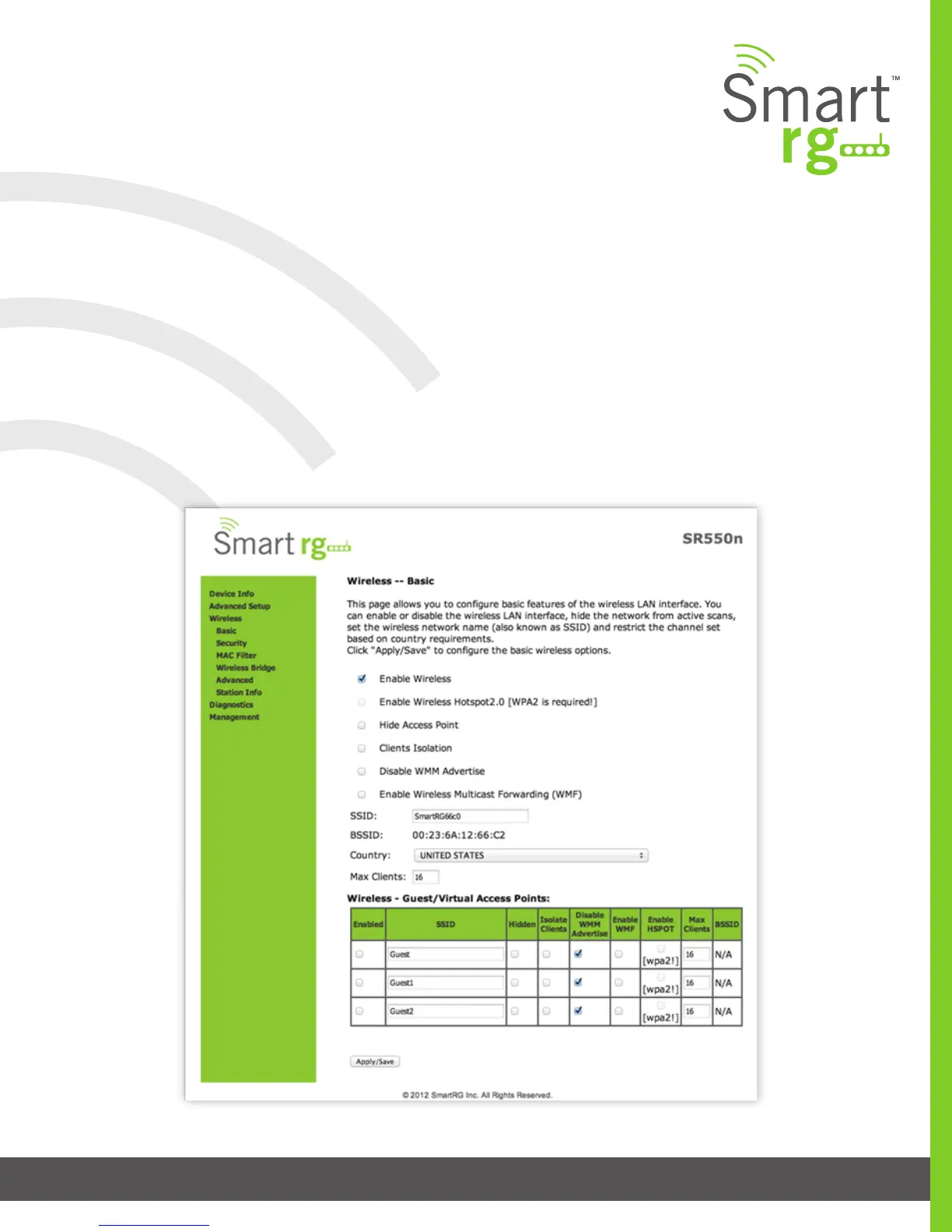
This page allows you to congure basic features of the Wi-Fi LAN interface. You can enable or disable the Wi-Fi LAN interface, hide
the network from active scans, set the Wi-Fi network name (also known as SSID) and restrict the channel set based on country
requirements.
After selecting Wireless -> Basic from the left navigation bar you may modify settings as desired.
Click Apply/Save to commit your settings.



 To Next Page