Page 108
501 SE Columbia Shores Boulevard, Suite 500, Vancouver, Washington 98661, USA l +1 360 859 1780
SmartRG Inc. Propriety and Condential. All Rights Reserved. Copyright © 2014 smartrg.com
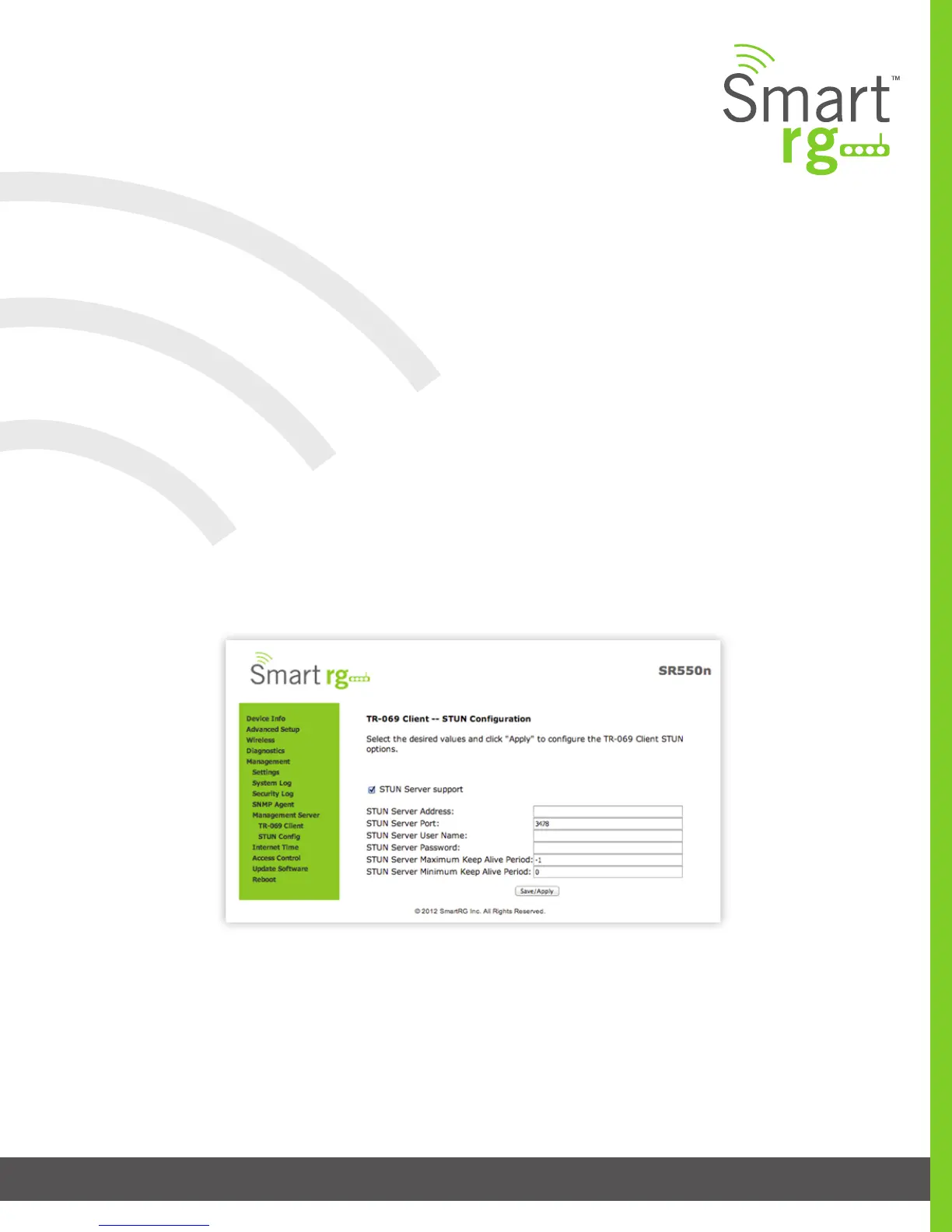
STUN Config
STUN:
Stands for “Simple Traversal of UDP through NATs”. STUN enables a device to nd out its public IP address and the type of NAT
service it is sitting behind.
STUN Server:
An entity that receives STUN requests and sends STUN responses. STUN servers are generally attached to the public Internet.
When a STUN server is present within the infrastructure of the Service Provider, utilize this screen to congure this gateway with
the connectivity specics for that server.
After selecting Management -> Management Server -> STUN Cong, check the STUN Server Support button to expose the required
STUN settings. Complete each eld in accordance with the implementation specics of server.
Click the Save/Apply button to commit your changes.



 To Next Page