Page 109
501 SE Columbia Shores Boulevard, Suite 500, Vancouver, Washington 98661, USA l +1 360 859 1780
SmartRG Inc. Propriety and Condential. All Rights Reserved. Copyright © 2014 smartrg.com
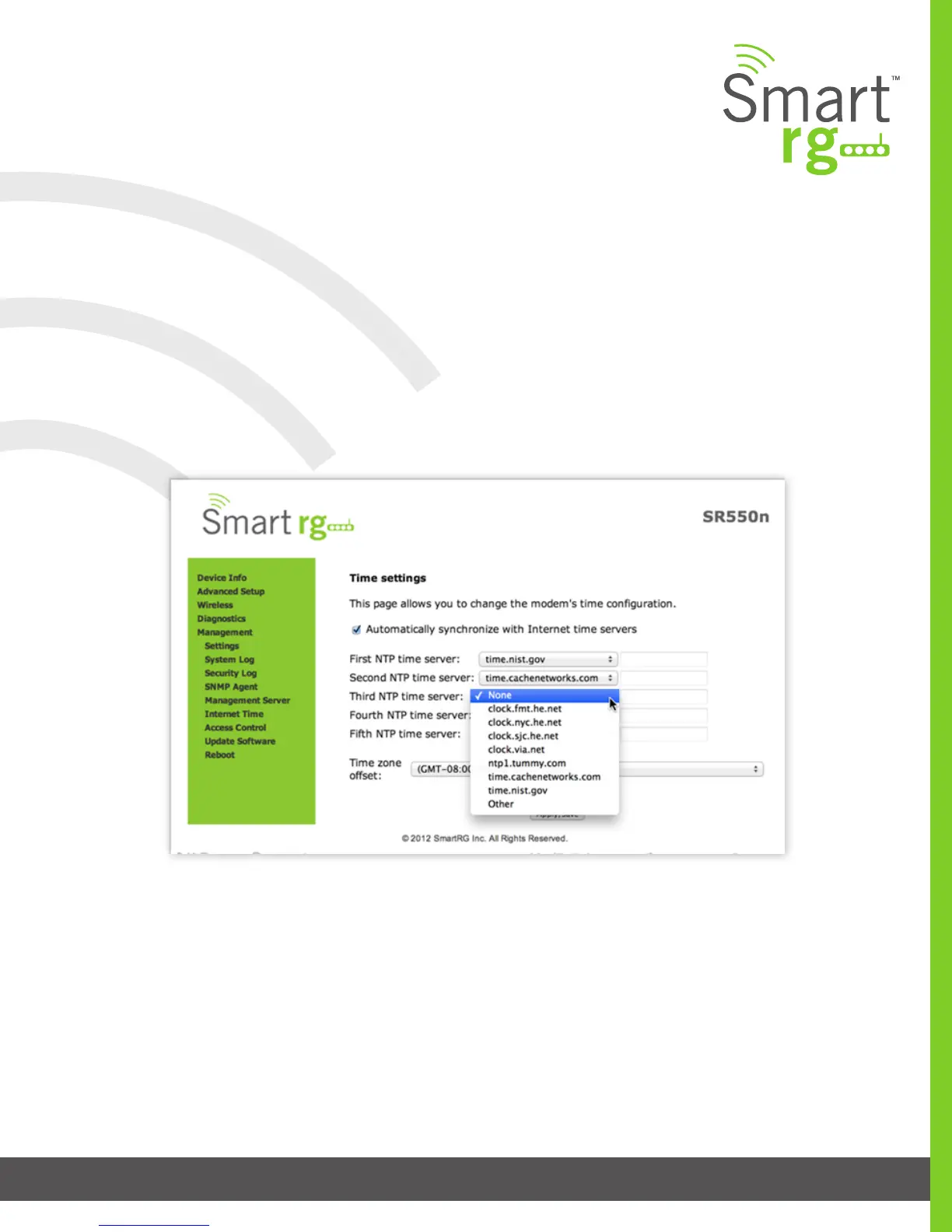
Internet Time
Sync the clock in your gateway with reliable external clocking servers available on the internet.
After selecting Management -> Internet Time you may check the checkbox on the rst line to enable the Network Time Protocol.
You may select or input your own NTP servers.
Select the desired time zone for the gateway.
Click Apply/Save to commit your settings.



 To Next Page