Chapter 4: Managing and Playing Music
4-53
2. Right-click and select Add more kinds of music.
Renaming a station
1. From the Music Library pane, click the Music Services tab and select Pandora
Radio.
Your current Pandora radio stations are displayed.
2. Right-click, and select Rename Station.
3. Type a new name for your radio station.
Deleting a station
1. From the Music Library pane, click the Music Services tab and select Pandora
Radio.
Your current Pandora radio stations are displayed.
2. Right-click, and select Delete Station.
3. Select Yes to confirm.
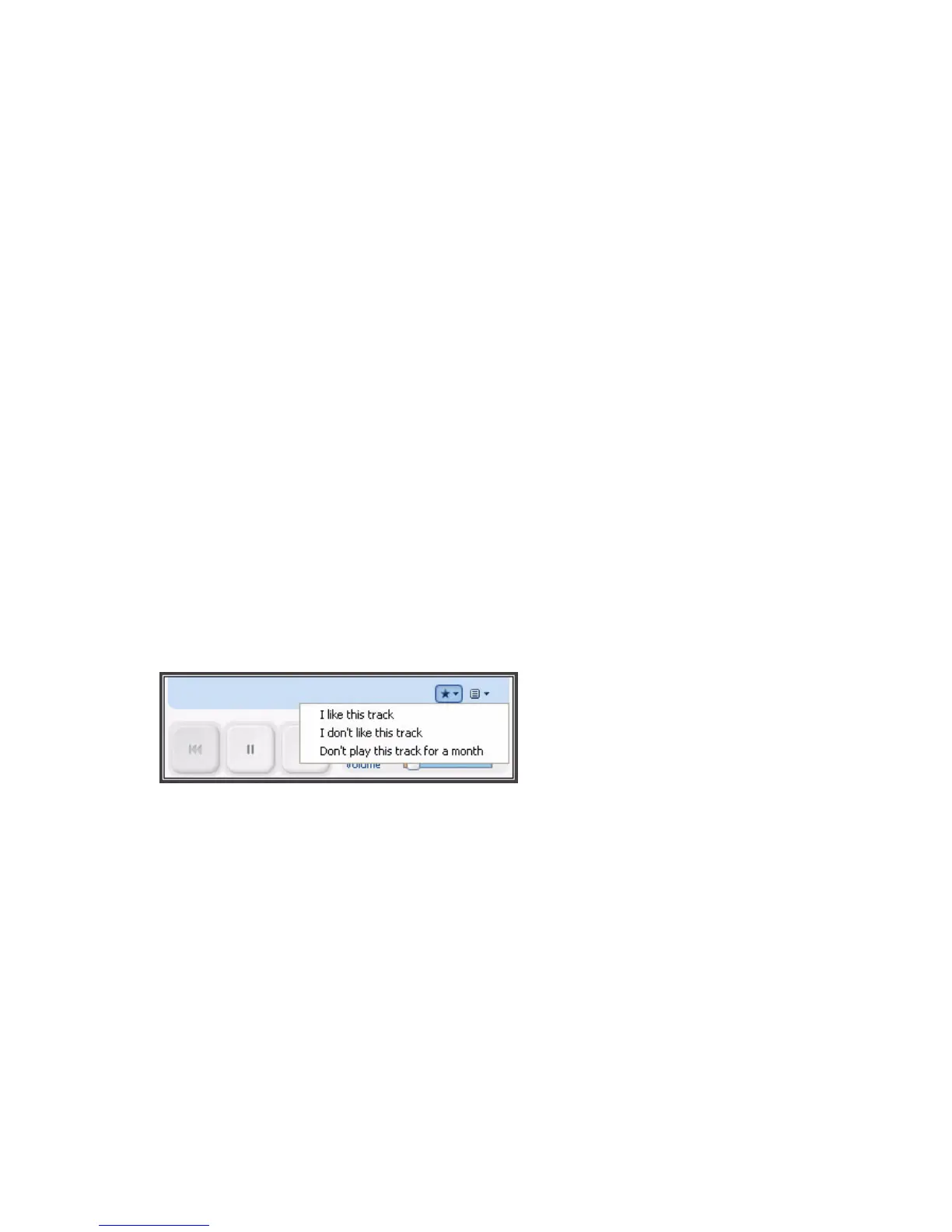
Rating a track
1. From the Now Playing screen, click the Ratings button.
2. Choose one of the following options:
• Select I like this track - Pandora will play more tracks with similar qualities.
• Select I don’t like this track - Pandora will not longer play this track on this
radio station.
• Select Don’t play this track for a month.



 To Next Page