Sonos Multi-Room Music System User Guide
4-54
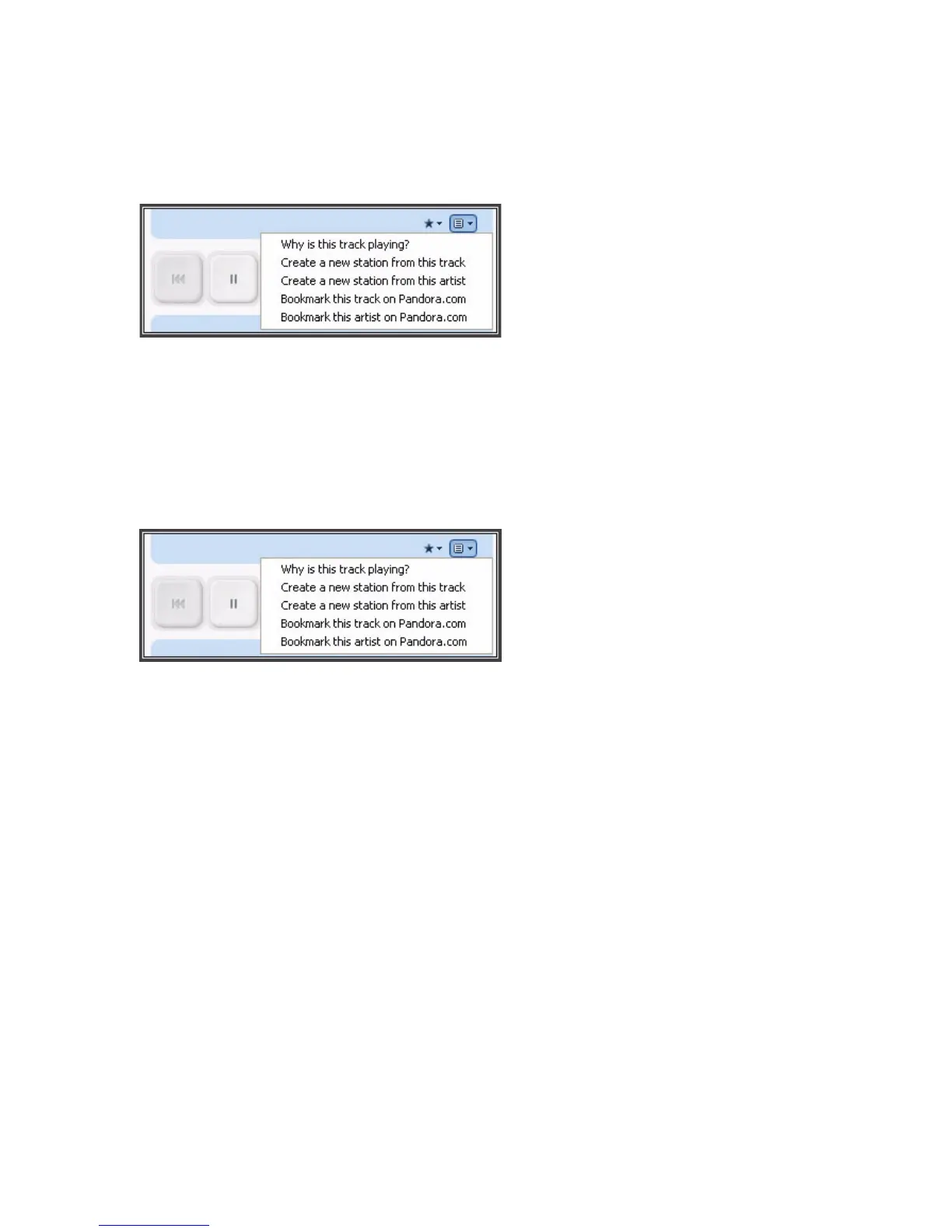
Bookmarking a track
1. From the Now Playing window, click the Pandora menu.
2. Select Bookmark this track on Pandora.com or Bookmark this artist on
Pandora.com.
Why is this track playing?
1. From the Now Playing window, click the Pandora menu.
2. Select Why is this track playing?
Pandora will explain the similarities between this track and the other tracks on
your radio station.
Using the Sonos Controller for Mac
Adding your Pandora account information to Sonos
Pandora offers two types of subscription accounts - a free ad-based account, and a
paid subscription account. If you are a free subscriber, Pandora will serve you ads
when playing Pandora on your Sonos system. If you are a paid subscriber, Pandora
will serve you ad-free radio streaming.
1. From the Music menu, select Set Up Music Services.



 To Next Page