Sonos Multi-Room Music System User Guide
4-16
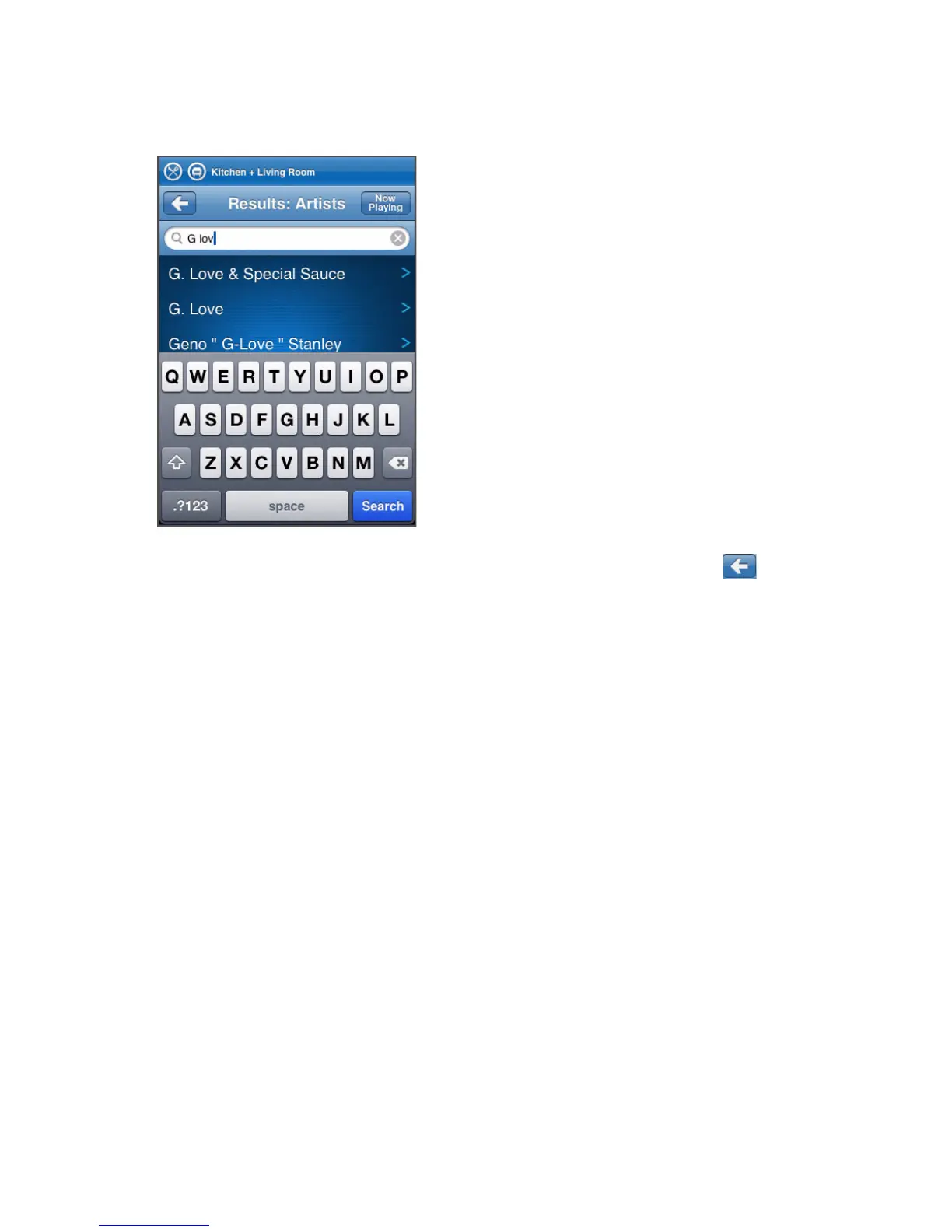
3. Type a full or partial name, and then tap Search.
4. If you don’t receive the desired search results, tap the Back button to try
again.
Music Library Preferences
Sort folders by preference
You can set the sorting preference for music folders that are accessible from your
music library. You can choose to sort by:
•Track name
• Track number
•Filename
Using the Sonos Controller for Mac or PC
1. From the File menu (Windows) or Sonos menu (Macintosh), select Preferences.
2. Click the Library tab, and select your sort order preference from the drop-down
Sort By field.
Using the Sonos Controller 200



 To Next Page