Chapter 4: Managing and Playing Music
4-15
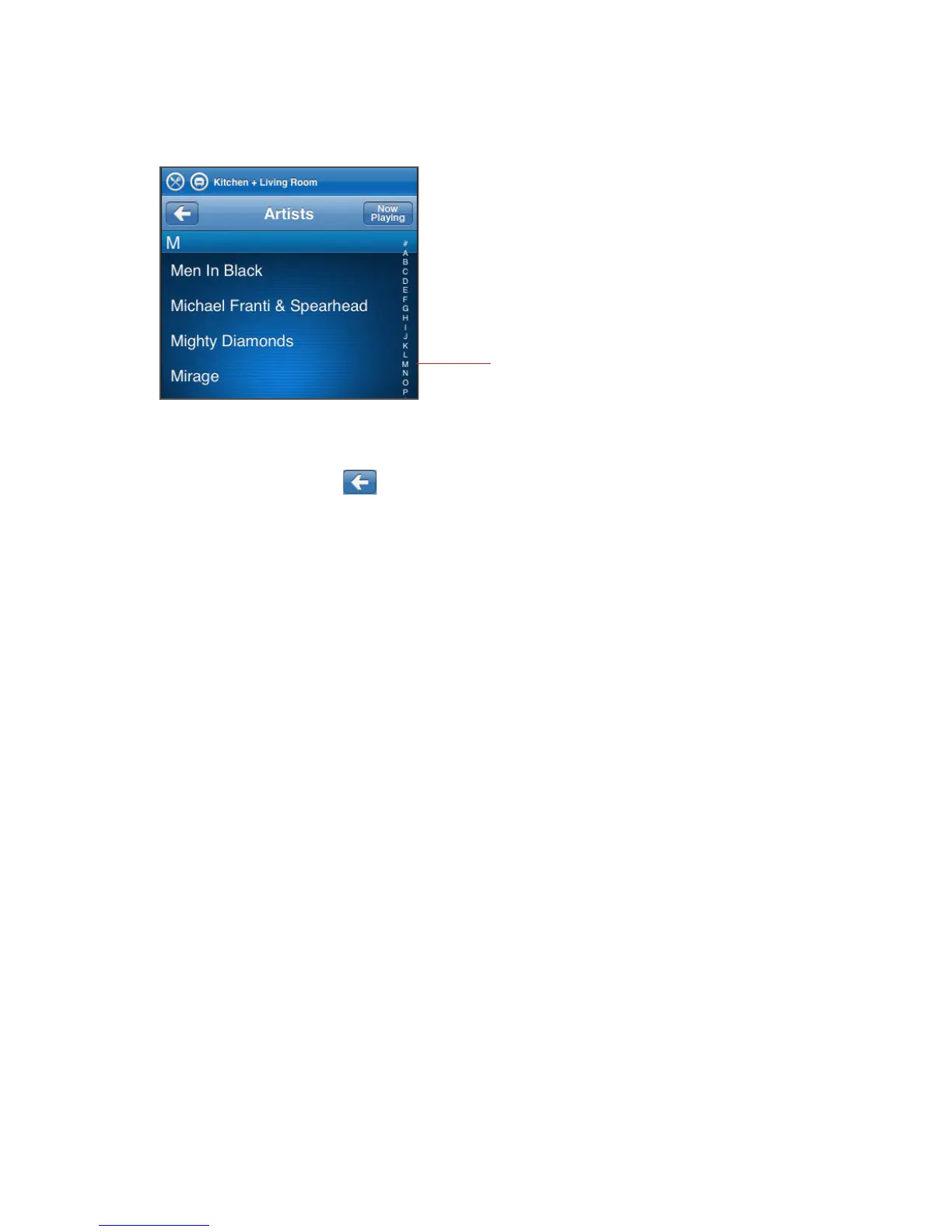
1. Tap any letter to move immediately to the selections that begin with that letter.
2. Tap the Back button to return to the previous music selection screen.
Search
You can use the Search feature to look for music selections within the Music Library,
Napster, or Rhapsody.
1. From the Music Menu, tap the music source your want to search (Music Library,
Napster, or Rhapsody.)
2. Tap Search, and then select your search criteria (artists, albums, composers, or
tracks).
Power scroll - select a letter to
make browsing faster



 To Next Page