Sonos Multi-Room Music System User Guide
8-4
Volume Control
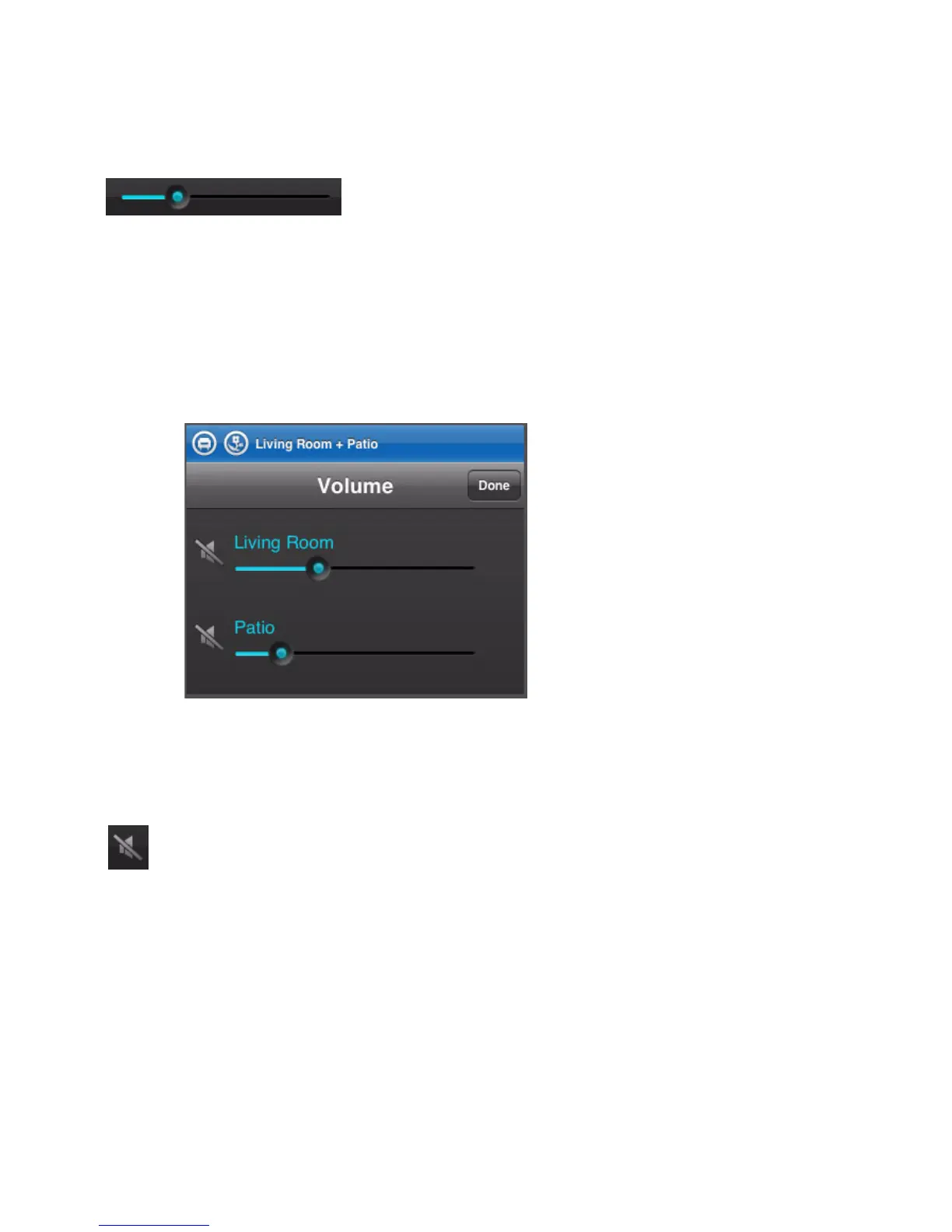
Volume Control Slide
Increases (+) or decreases (-) the volume in any zone, or across a zone
group.
Slide the volume control right to increase volume, left to decrease volume.
Volume can be controlled for an individual zone or for a zone group.
If zones are grouped, you can adjust the volume across the group using the
group volume slide, or adjust an individual zone using the slide that
appears beside the zone.
Mute
Temporarily silences the music in a zone (within a zone group, the mute
button automatically mutes the last room where volume controls were
adjusted.) Tap the Mute button to mute, tap again to unmute.



 To Next Page