Chapter 2: System Setup
2-15
• Using a handheld Sonos Controller, select Settings>Add a Zone from the Mu-
sic Menu.
Add a Sonos Controller
If you are connecting a Controller 200, connect the power adapter to the back of the
Sonos charging cradle (included) and plug the cradle into a power outlet. Place the
Controller into the charging cradle to wake it up (the screen will come alive when it’s
ready), and then follow the Controller’s on-screen instructions to add it to your Sonos
Multi-Room Music System.
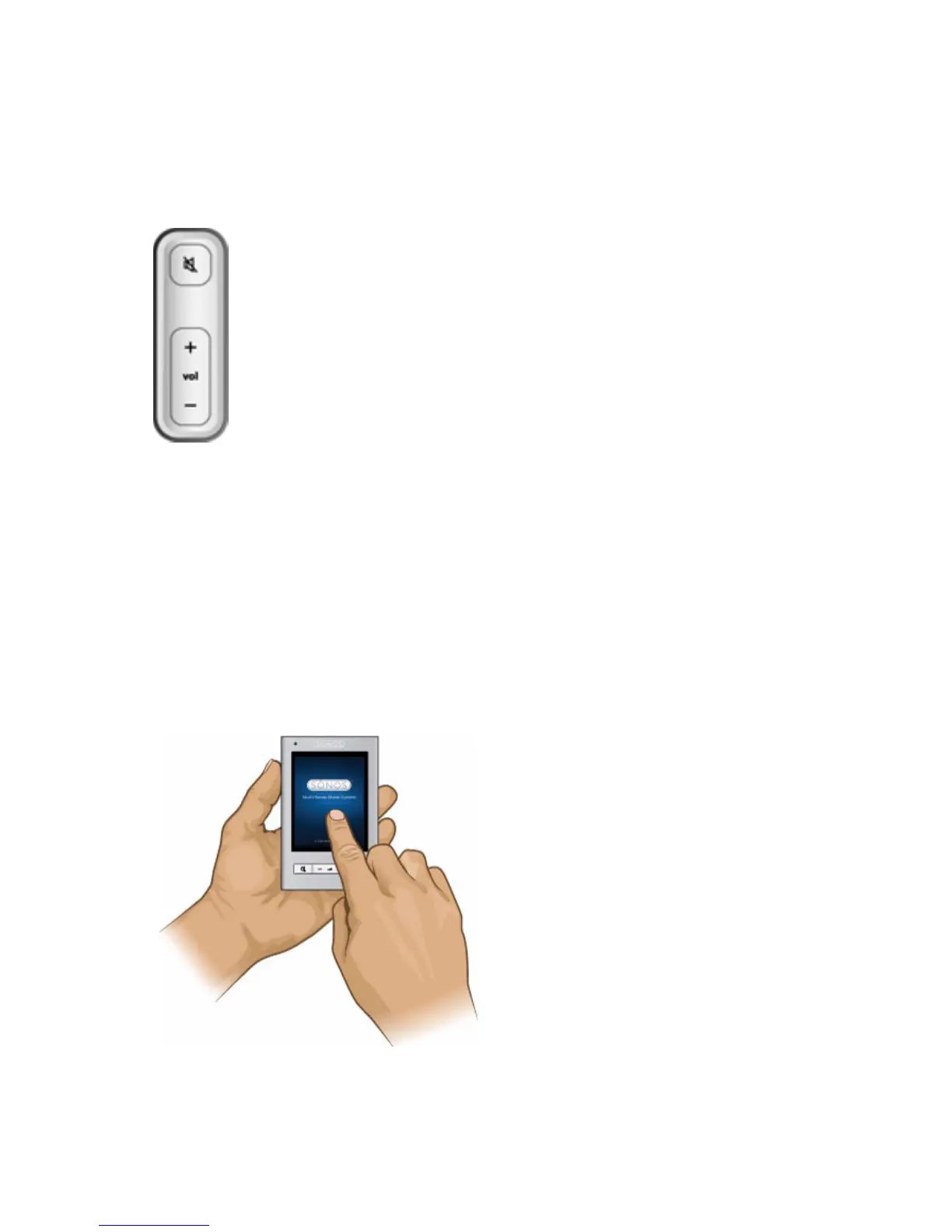
• During the setup process, you will be asked to press and release
the Mute and Volume Up buttons simultaneously on the Zone-
Player you are adding.
• You may release the buttons as soon as the Mute indicator
(green) and the ZonePlayer Status Indicator (white) start to
blink alternately (this takes approximately 1 second.)
• When the ZonePlayer has been successfully added to your mu-
sic system, the Mute indicator will go out and the ZonePlayer
Status indicator will change to solid white.



 To Next Page