Chapter 4: Managing and Playing Music
4-23
Using the Sonos Controller for iPhone/iPod touch
1. Tap the Queue icon at the bottom of the Now Playing screen to display the
music queue.
2. Tap Edit.
3. Flick through the list to locate the track you want to remove from the queue.
4. Tap the edit icon to the left of the track, and then tap Delete.
The song disappears from the queue list.
Moving a track within the queue
Using the Sonos Controller for Mac or PC
1. Click the left-mouse button and, while holding, drag the track you want to move
within the queue.
2. Drag it up or down to the desired location, and then release.
Using the Sonos Controller 200
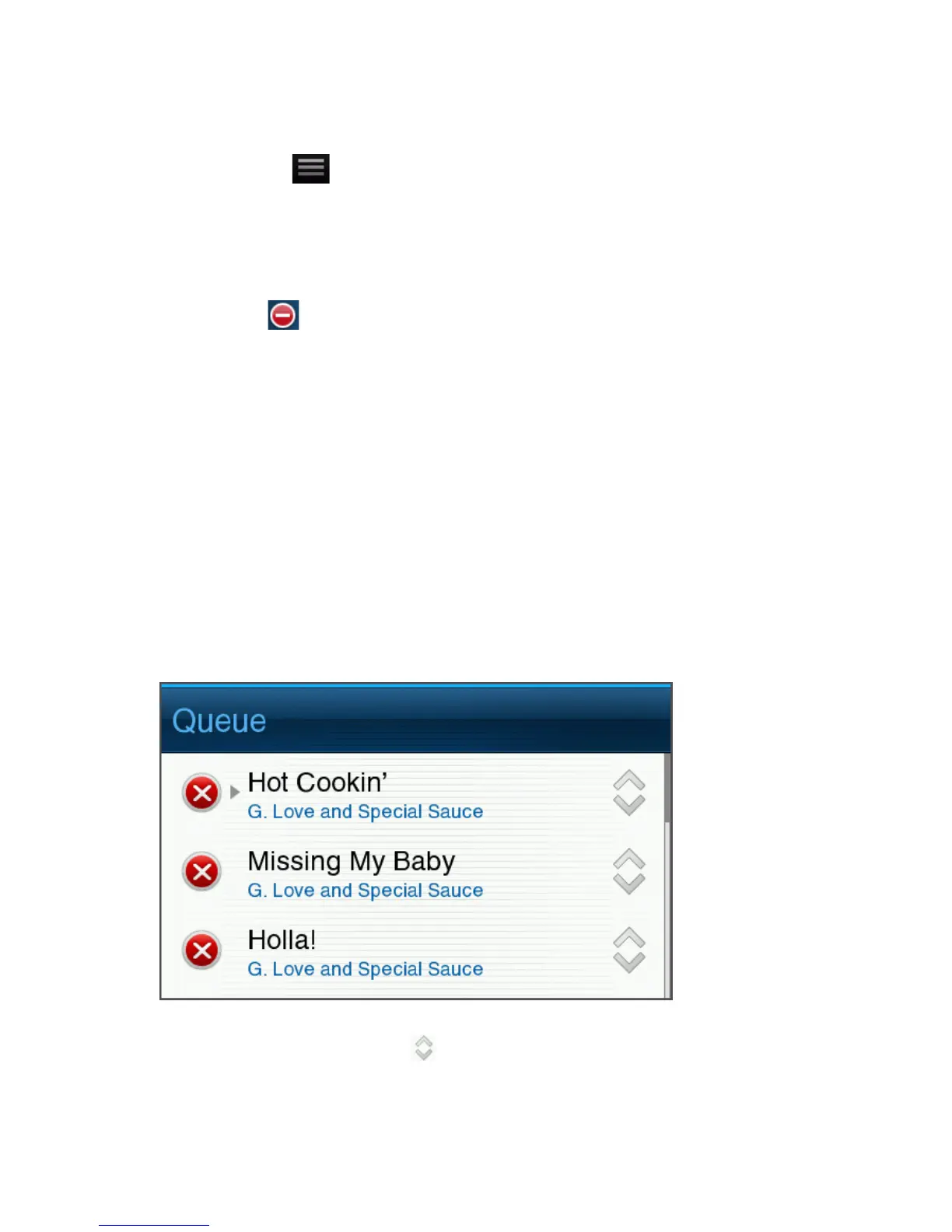
1. Touch View Queue.
2. Touch Edit.
3. Tap and hold the move icon to the right of the track.



 To Next Page