Sonos Multi-Room Music System User Guide
4-12
to the music queue, and then release
If you’ve previously saved music queues as Sonos playlists, you can browse these
playlists using the Sonos Playlists tab.
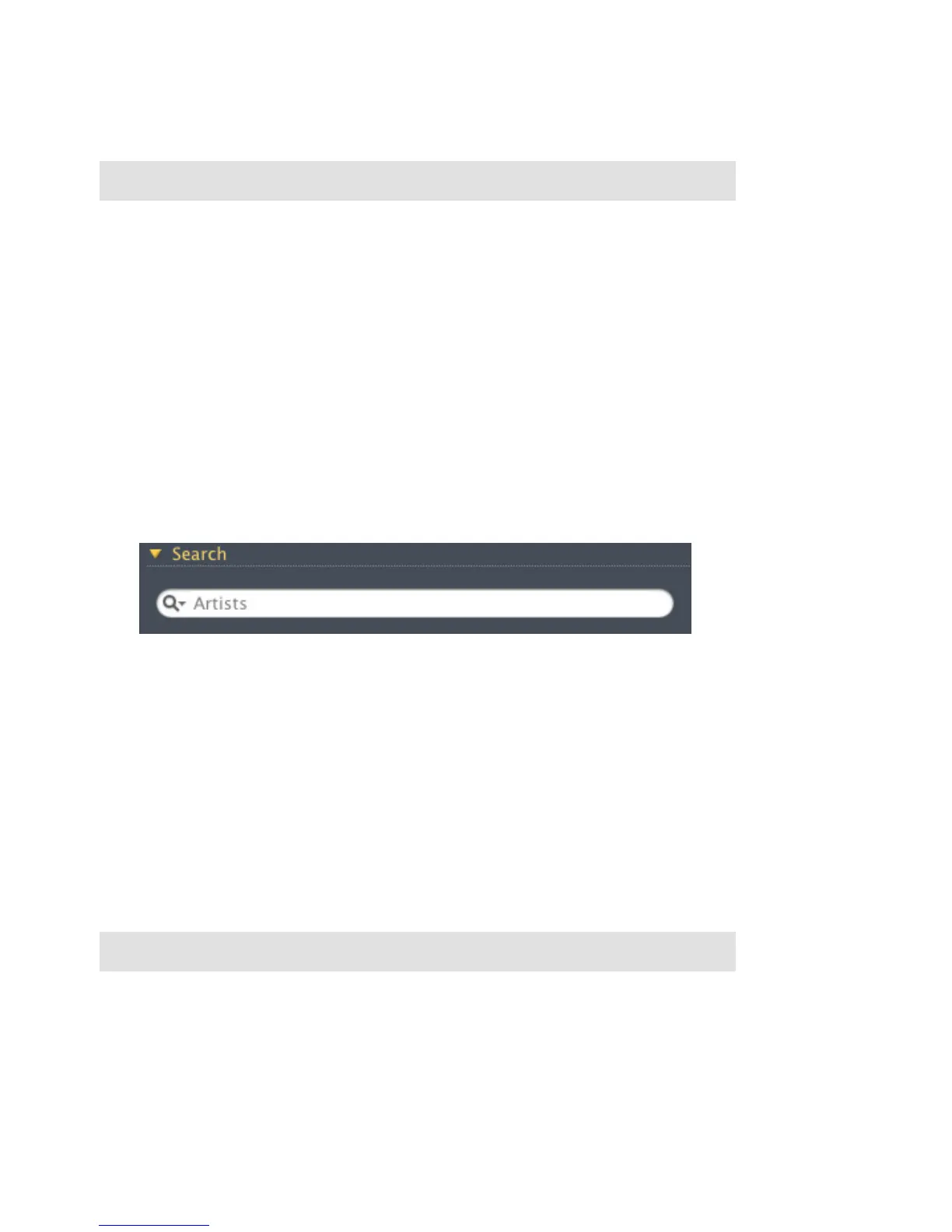
Search
1. From the Zones pane, select the zone you want to play music in.
2. Choose one of the following options:
• From the Music Library pane, select the Library tab,
or
• From the Music menu, select Library.
3. Click Search.
4. Click the magnifying glass icon to select the category you wish to search (artists,
albums, composers, or tracks).
5. Enter your search criteria (full or partial), and then press the ENTER key.
Drag and drop
You can drag and drop selections directly from the music library to the queue.
Highlight a selection, and while holding down the mouse, drag the selection to the
music queue, and then release.
Note: You can add tracks to a music queue while listening to other music.
Note: You can add tracks to a music queue while listening to other music.


 To Next Page