Sonos Multi-Room Music System User Guide
3-4
Using the Sonos Controller for iPhone
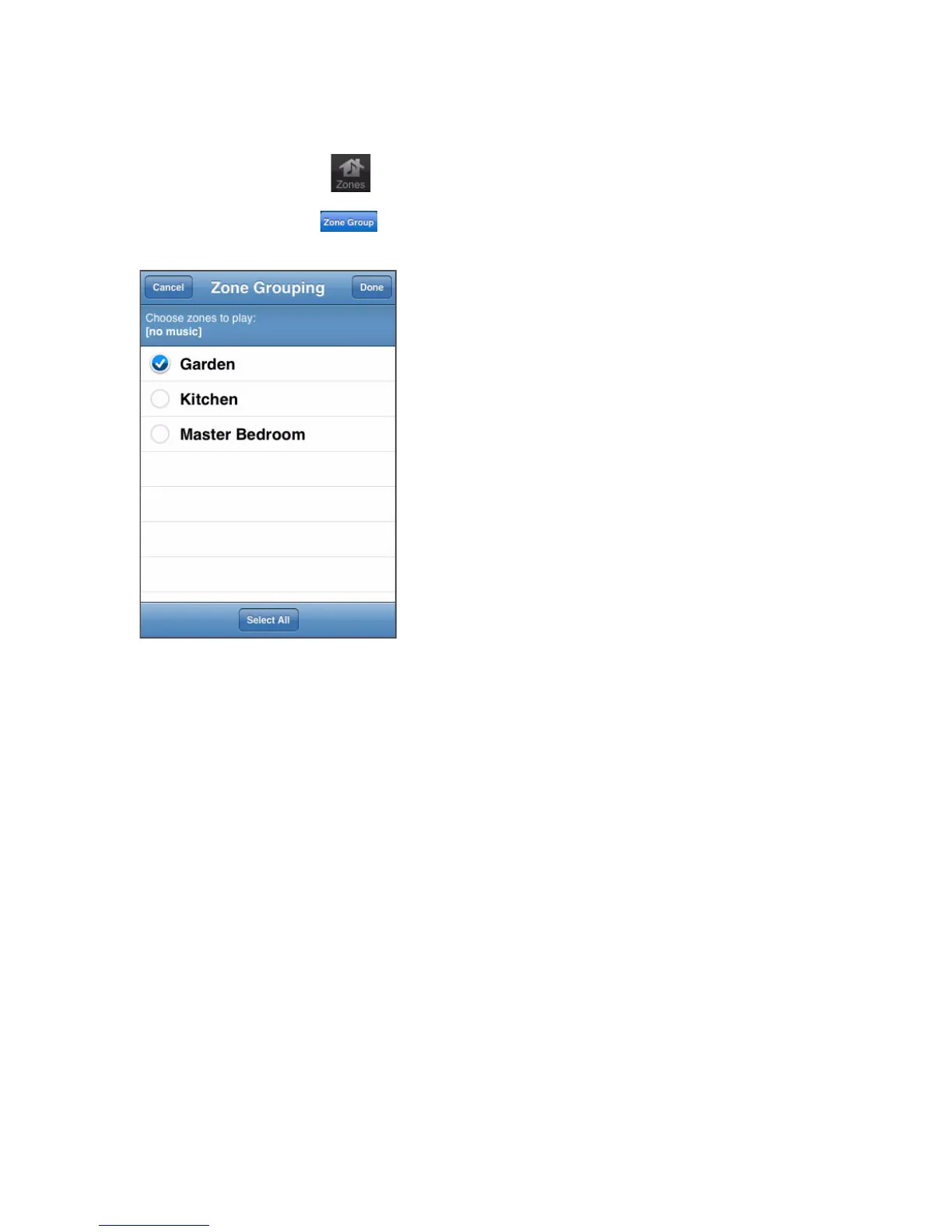
1. Tap the Zones button .
2. Tap the Zone Group button to the right of the zone you want to group
(add more rooms to.)
If you want to join all the zones in your house to this music queue, simply tap Select
All at the bottom of the Zone Grouping screen. All of your ZonePlayers will play
the same music in synchrony until you drop the zones from the zone group.
Dropping zones
Using the Sonos Controller for Mac or PC
1. From the Zones pane, highlight the zone group you want to change.
2. Choose one of the following options:
•Click Drop Zone, or
• From the Zones menu, select Drop Zone.
3. Select the zone you want to drop from the group. If you want to drop all the
zones in the zone group, select All Zones in Group.



 To Next Page