Sonos Multi-Room Music System User Guide
4-26
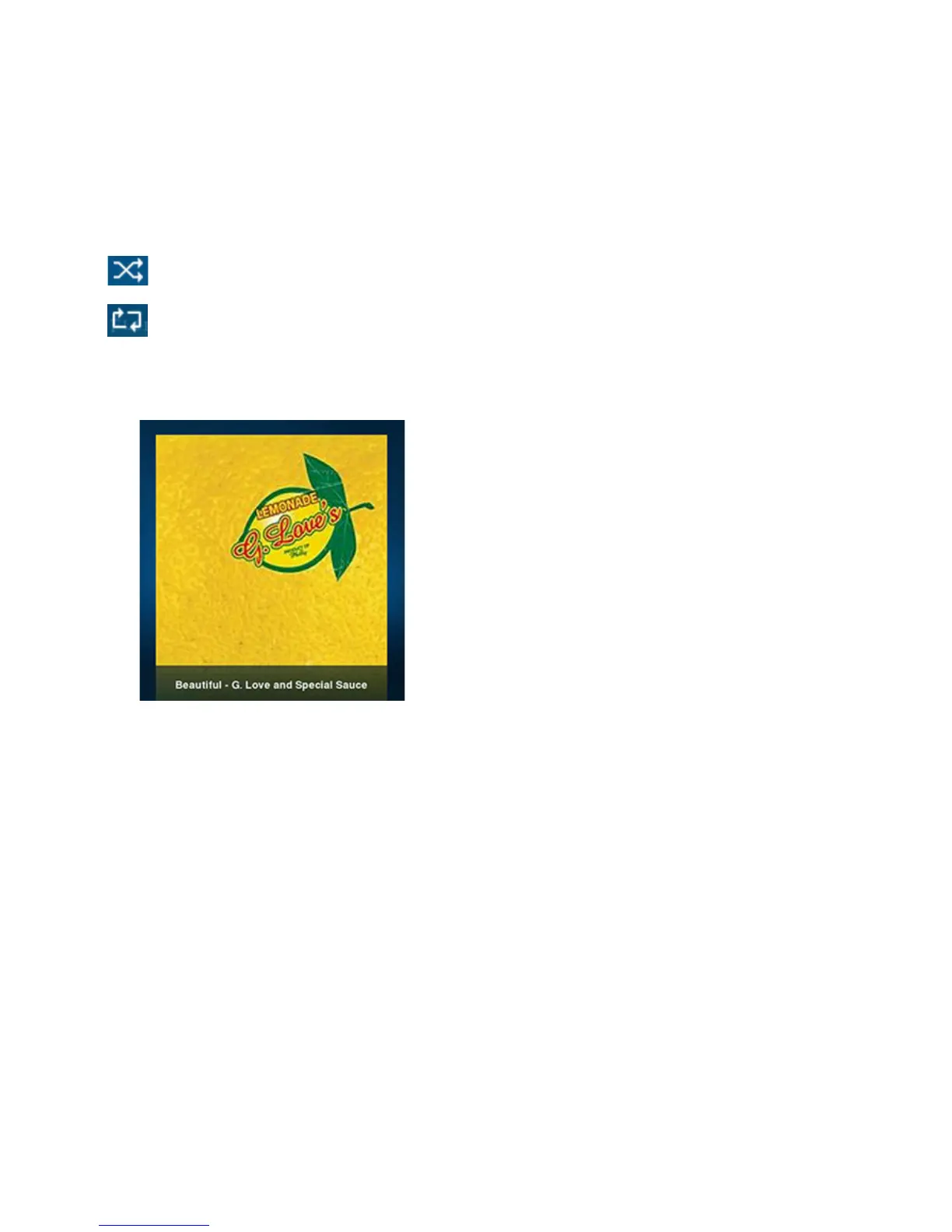
2. Tap the album cover to display the shuffle and repeat controls, as well as the
track progress bar.
3. Tap the Shuffle and/or Repeat icons to change the play mode.
The play mode icons brighten white while activated.
Shuffle. Plays the tracks in the music queue in a random order.
Repeat. Repeats the music queue after the last track has finished.
Viewing large album art
Using the Sonos Controller for Mac or PC
From the Now Playing window, click the album art to enlarge it.
Using the Sonos Controller 200
From the Now Playing screen, touch the album art to enlarge it.
Music Services
A music service is an online music store or online service that sells audio on a per-
song, per audiobook, or subscription basis. Sonos is compatible with several music
services— you can visit our Website at www.sonos.com/howitworks/music/partners/
default.aspx for the latest list of compatible music services. (Some music services



 To Next Page