Chapter 2: System Setup
2-29
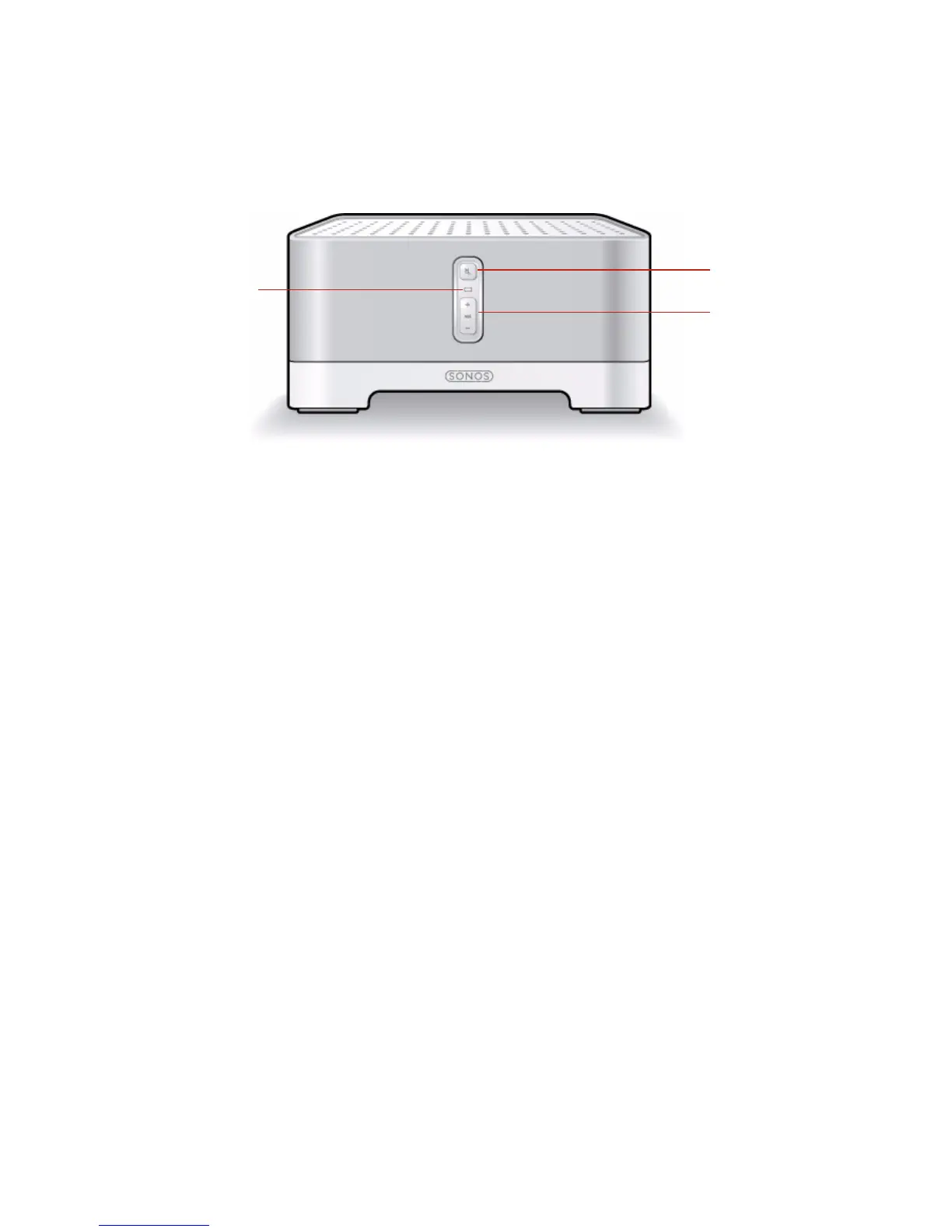
ZonePlayer Front
On/Off
• Using a handheld Sonos
Controller, select Pause All
Zones from the Zone Menu.
• Using the Sonos Controller for
Mac or PC, select Pause All
from the Play menu.
Your Sonos Multi-Room Music System is designed to
be always on; the system uses minimal electricity
when not playing music. To quickly stop streaming
music in all zones, use the Pause All feature.
ZonePlayer status indicator
• Flashes white when powering
up or connecting to your
Sonos Multi-Room Music
System.
• Solid white when powered up
and connected to your Sonos
Multi-Room Music System
(normal operation).
Indicates the current status of the ZonePlayer. When
the ZonePlayer is in normal operation, you can turn the
white status indicator light on and off.
Go to "ZonePlayer Status Indicator Explanations" on
page A-11for additional status indicators.
ZonePlayer
status
indicator
Mute button
Volume up (+)
Volume down (-)



 To Next Page