Chapter 9: The Sonos® Controller 100
9-11
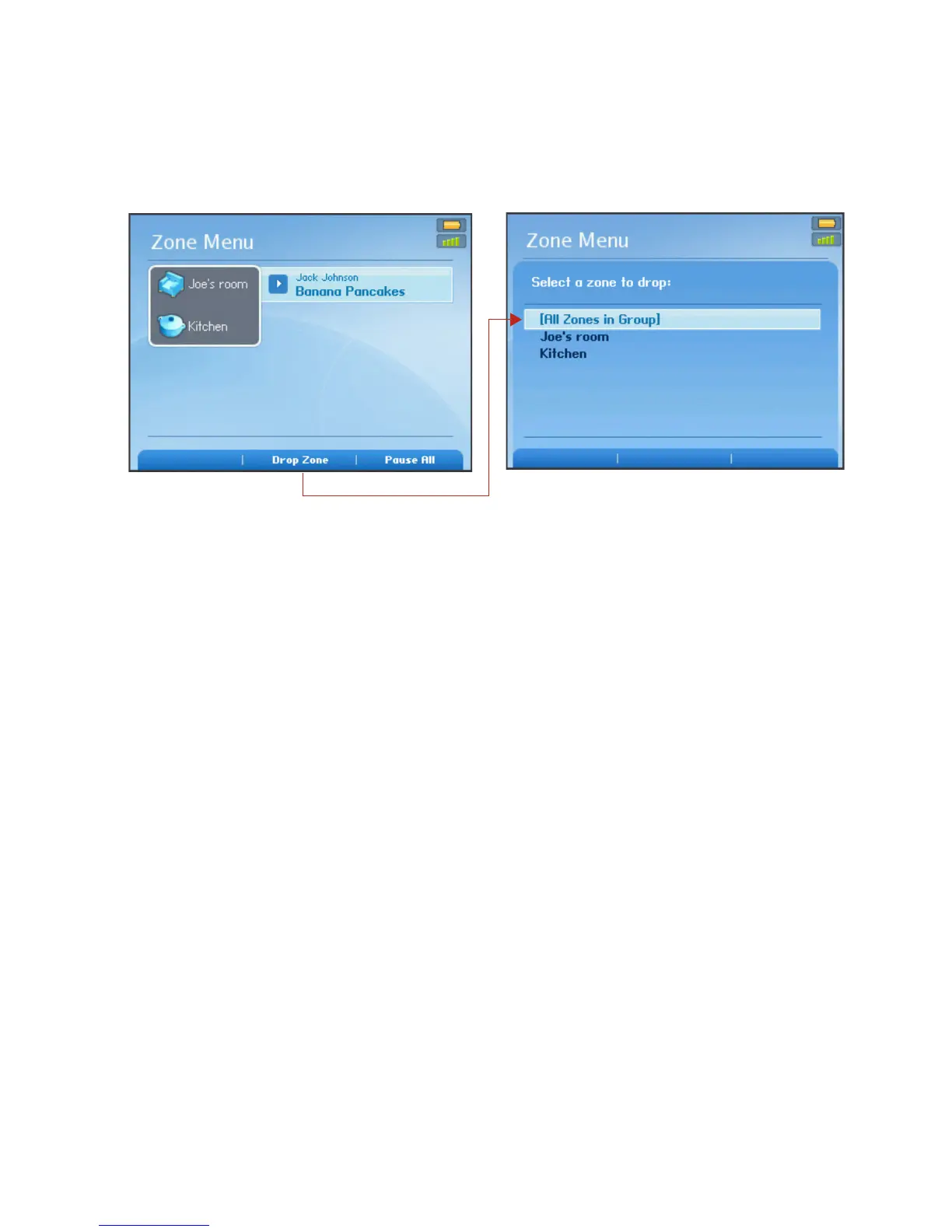
You can drop all the ZonePlayers in a group with one touch by selecting All
Zones in Group.
Turning off white status indicator
1. From the Music Menu, select System Settings>ZonePlayer Settings, and press
OK. If you wish to turn off a ZoneBridge status indicator light, select ZoneBridge
Settings instead.
2. Use the scroll wheel to highlight the zone you wish to affect, and press OK.
3. Select White Status Indicator Light, and press OK.
4. Select On to turn the light on during normal operation, or Off to turn the light off
during normal operation, and press OK.
Music Folders
Viewing shared folders
From the Music menu, select System Settings>Music Library Management>Music
Library Setup.
Select zone to drop from group



 To Next Page