Sonos Multi-Room Music System User Guide
7-10
Auto check for software updates
Sonos can automatically check your system for available software updates. Your
music system must be registered in order to receive updates. Change your preference
by following the steps below.
1. From the Music Menu, touch Settings>Advanced Settings
>Auto Check for
Software Updates
.
2. Touch On to turn auto checking on, or Off to turn auto checking off (On is the
default setting.)
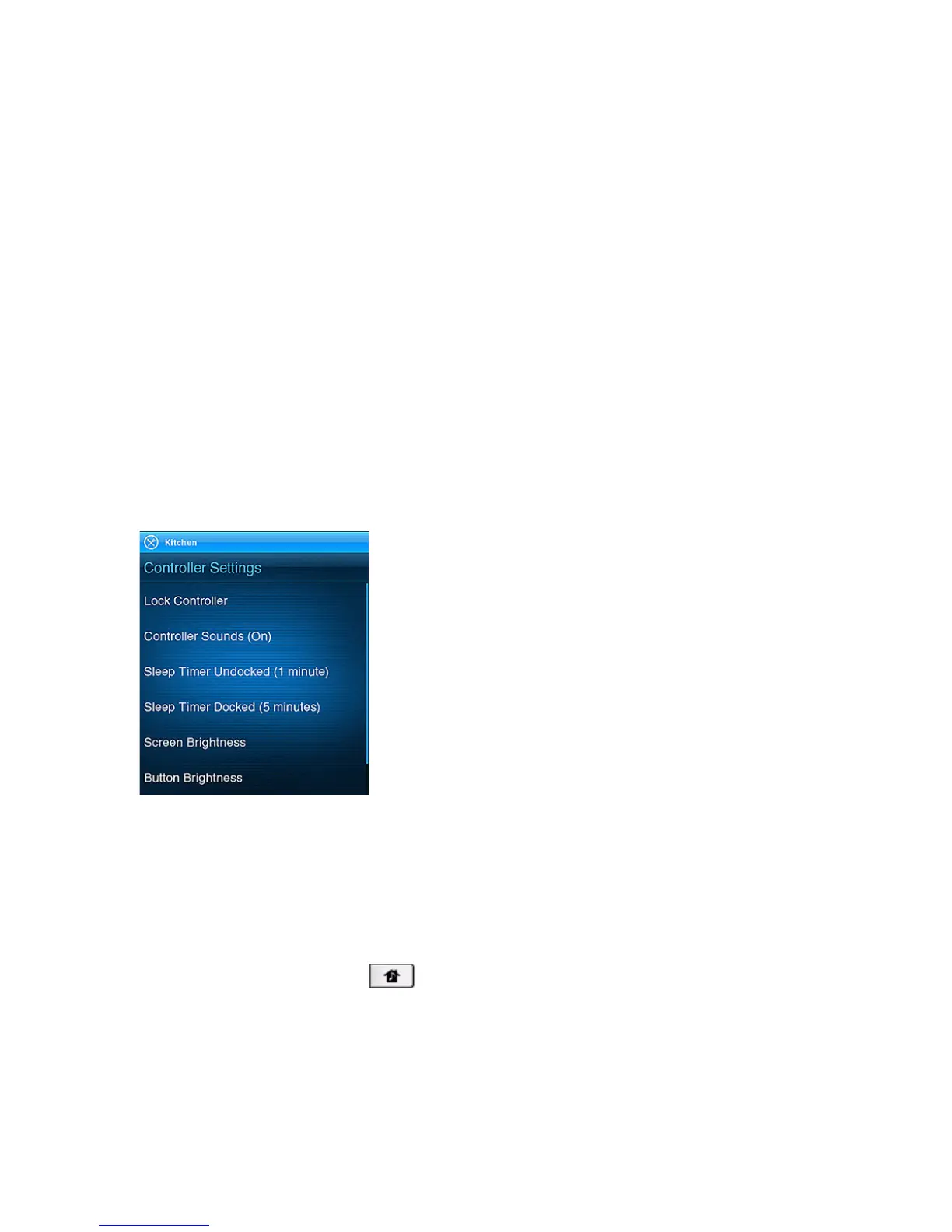
Adjusting Controller Settings
From the Music Menu, touch Settings>Controller Settings and then touch to select
the preference setting you wish to change.
Lock Controller
You can choose to lock the Controller 200 so that nothing happens when you
touch the screen or buttons (such as when cleaning the screen, or carrying the
Controller in your pocket.) When you are ready to unlock the Controller, simply
touch and hold the Zones button for two (2) seconds.



 To Next Page