Chapter 8: Sonos® Controller for iPhone
8-7
Online Updates
Sonos periodically provides you with software updates to improve performance or to
add new features. Your music system must be registered in order to receive updates.
If you have not yet registered, see "System Registration" on page 1-4.
Checking for updates
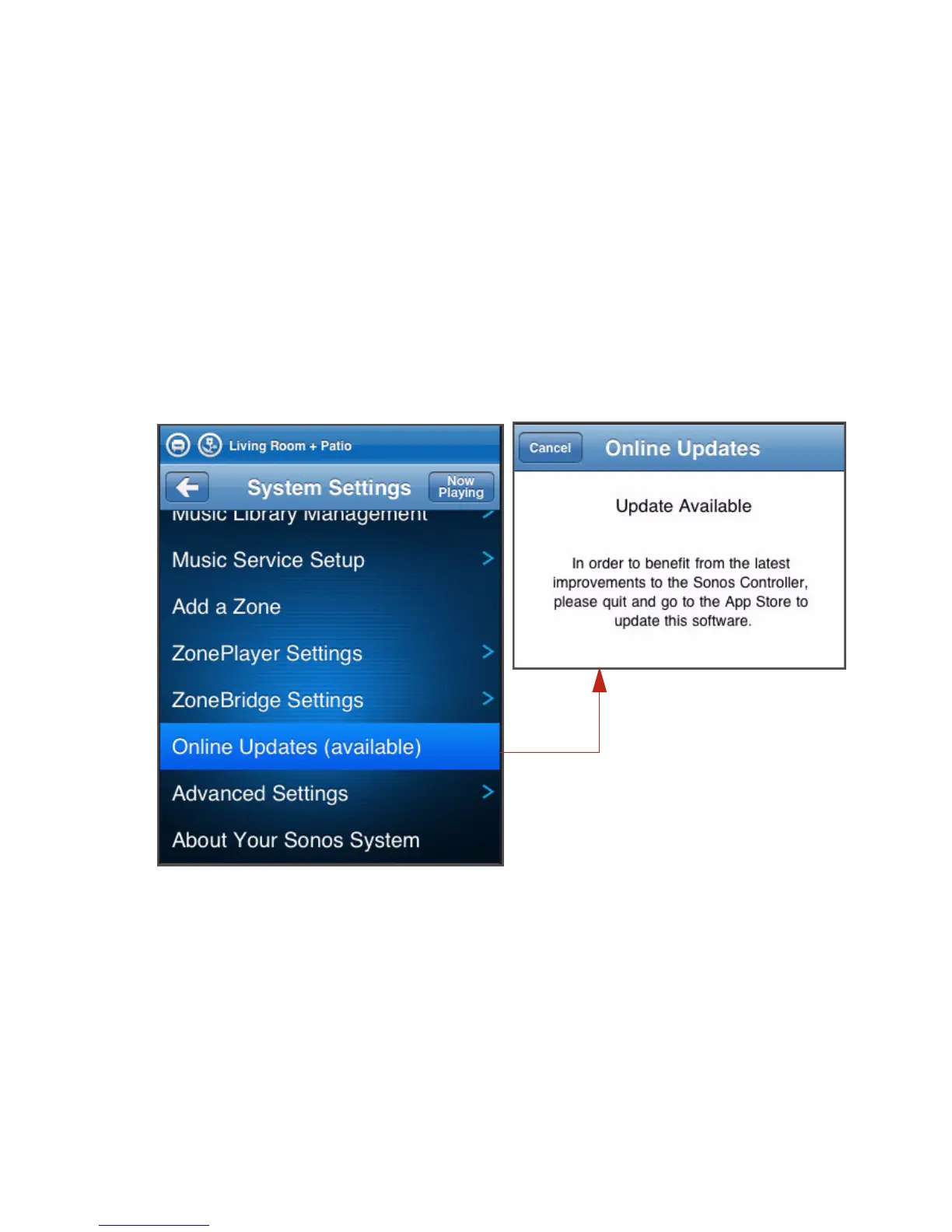
• If there is an update available, you’ll see the message (available) displayed
when you select Settings>Online Updates from the Music menu. You can go
to the App Store to download the new software update.
• If you have already updated your Sonos system using another Controller, you
will see an update icon displayed beside the ZonePlayer(s) on the Zone Menu,
along with the message, "Press to update." Tap a zone to begin the update.



 To Next Page