Sonos Multi-Room Music System User Guide
4-22
Managing the Music Queue
Once you have added tracks to a queue, you can make changes to the music queue
using the queue control buttons.
Removing a track from the queue
Using the Sonos Controller for Mac or PC
1. From the Queue pane, select the song you want to remove from the music
queue.
2. Choose one of the following options:
•Click Remove Track, or
• Select Queue>Remove Track from the Play menu.
The song disappears from the queue list.
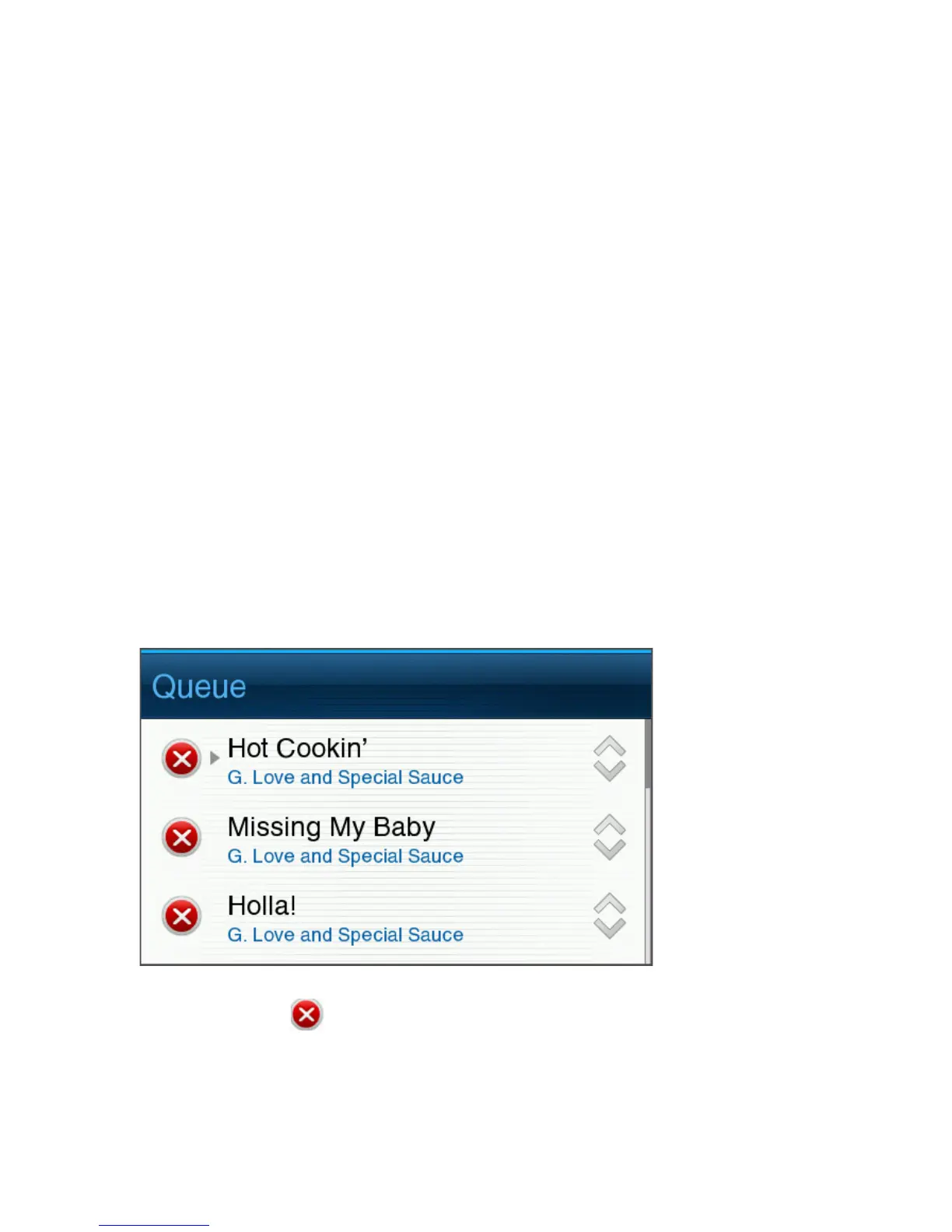
Using the Sonos Controller 200
1. Touch View Queue.
2. Touch Edit.
3. Touch the delete icon to the left of the track.
The song disappears from the queue list.



 To Next Page