Sonos Multi-Room Music System User Guide
4-24
4. Drag the track to a new location in the queue and then let go of the button.
Using the Sonos Controller for iPhone/iPod touch
1. Tap the Queue icon at the bottom of the Now Playing screen.
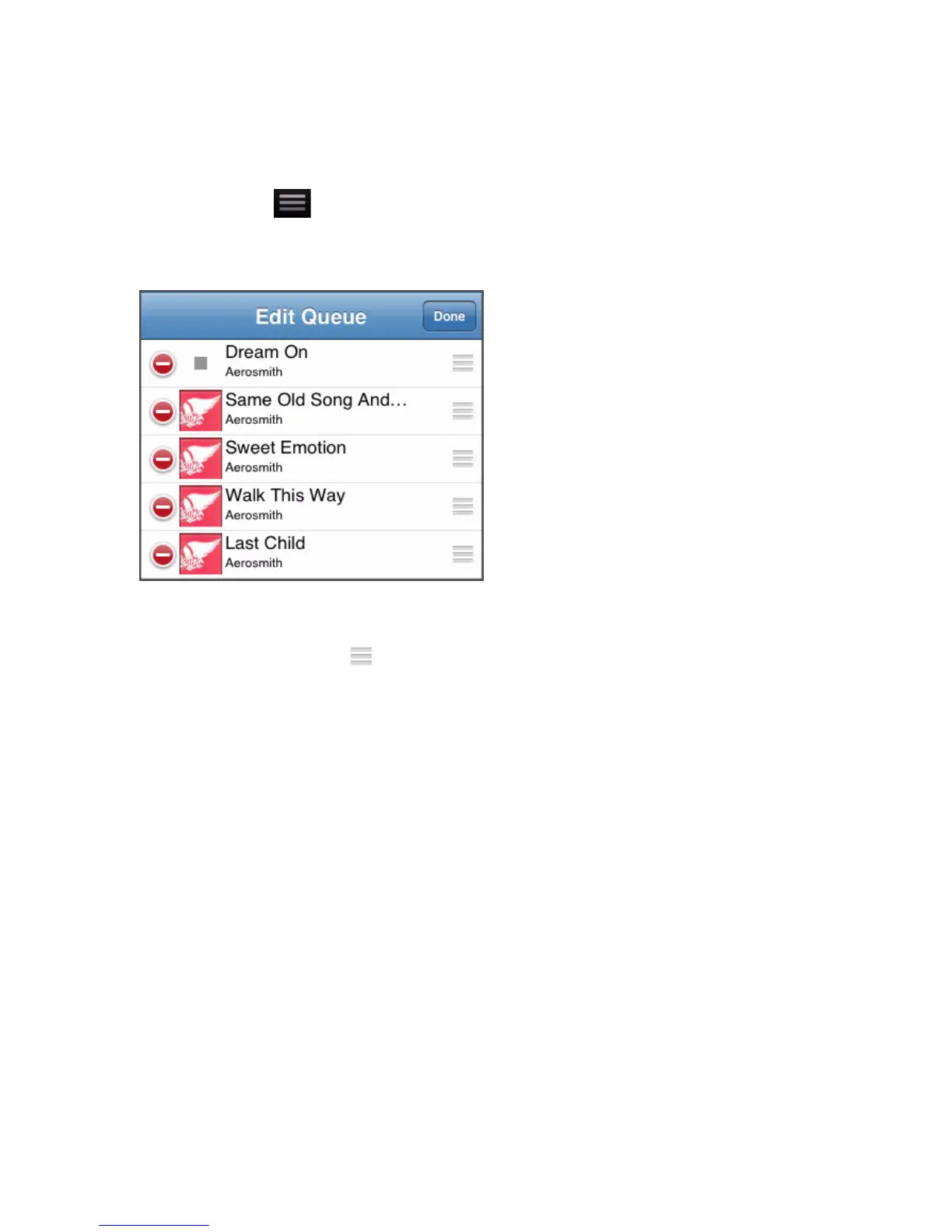
2. Tap Edit.
3. Flick through the list to locate the track you want to move.
4. Tap and hold the move icon to the right of the track.
5. Drag the track to a new location in the queue and then let go of the button.
Clearing the music queue
Using the Sonos Controller for Mac or PC
Choose one of the following options:
•Click Clear Queue from the bottom of the Queue pane, or
• From the Play menu, select Queue>Clear Queue.
This will clear the entire queue in the selected zone and the music will stop playing.
Using the Sonos Controller
1. Touch View Queue.
2. Touch Clear.
This will clear the entire queue in the selected zone and the music will stop playing.



 To Next Page