Sonos Multi-Room Music System User Guide
7-4
Connecting the Controller
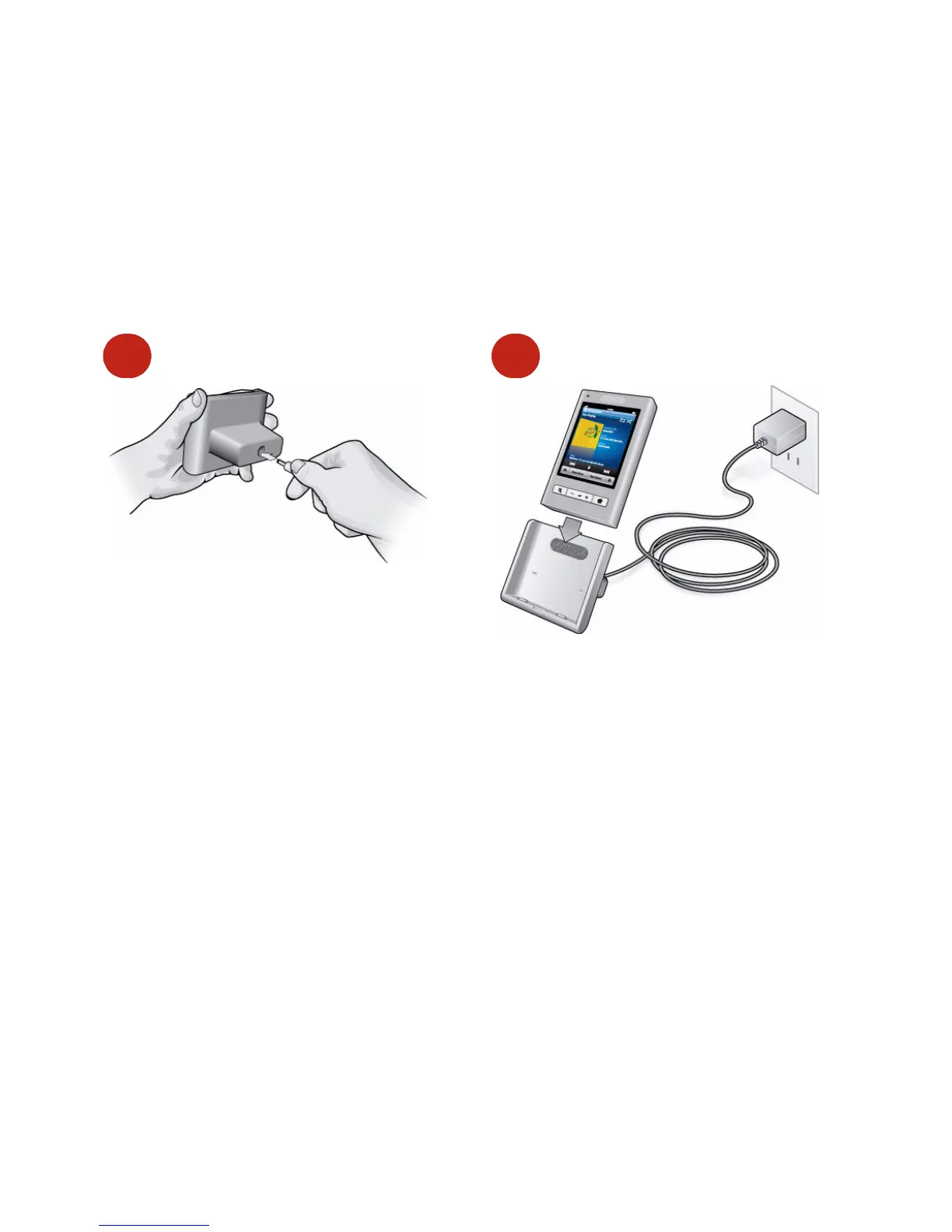
The Controller 200 is shipped in sleep mode to preserve the battery life. After you
remove the Controller from its packaging, plug the charging cradle into a power
outlet and place the Controller into the charging cradle momentarily to wake it up.
(Your Controller will awaken in a matter of seconds after you place it into the cradle.
In a rare, but still normal case, your Controller may need a few minutes to wake up.)
After at least one ZonePlayer has been set up, follow the instructions on the
Controller’s screen to add this Controller to your Sonos Multi-Room Music
System.
Sleep modes
Light Sleep
Your Controller will go into light sleep to preserve the battery life when it is unused
for a specified period of time. The screen will turn off until motion is detected or a
button is pressed. Use the Sleep Timer Docked (Controller is connected to power
supply) and Undocked (Controller is not connected to power supply) settings to
select the amount of time after which your Controller will enter light sleep.
1
2



 To Next Page