Sonos Multi-Room Music System User Guide
9-32
5. To change the settings for a ZonePlayer back to the original default values, select
Reset All.
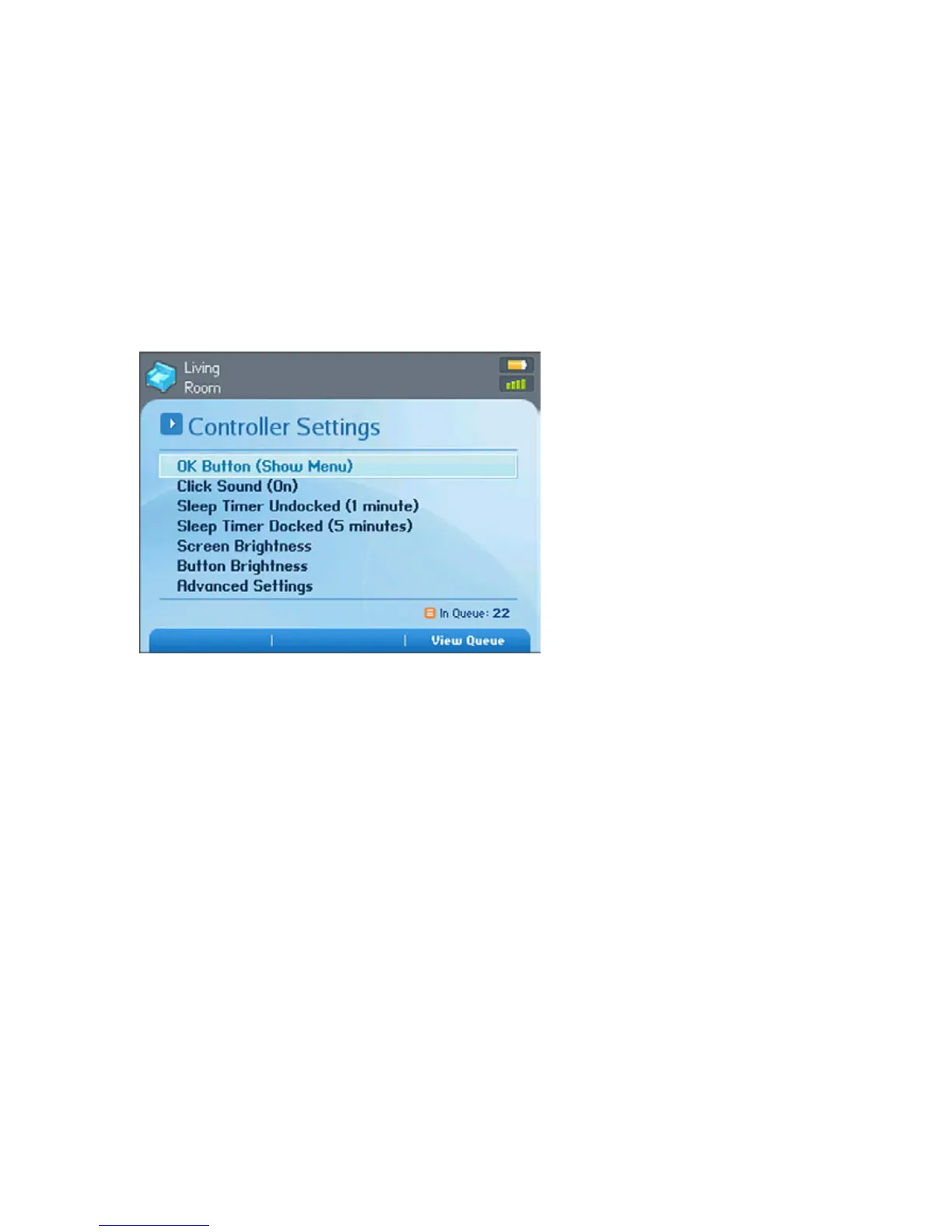
Adjusting Controller Settings
From the Music menu, select System Settings>Controller Settings and then use the
scroll wheel to highlight the preference setting you wish to change.
OK Button
• Use this preference setting to choose the action that will occur when you select
a track, and press the OK button. The track can begin to play immediately
(Play Now), it can be added to the end of your music queue (Add to End of
Queue), or you can view an options menu (Show Menu) to select one of the
following actions each time:
•Play Now
• Add to End of Queue
• Play Now and Replace Queue
Click Sound
Adjust this setting to turn the Controller’s scroll wheel “clicking” sound on or
off.



 To Next Page