Chapter 9: The Sonos® Controller 100
9-31
This Controller will be unavailable for use until you perform a software update to
bring the Controller up to date. This situation will occur if you perform a software
update from another Controller, or from the Sonos Controller for PC software.
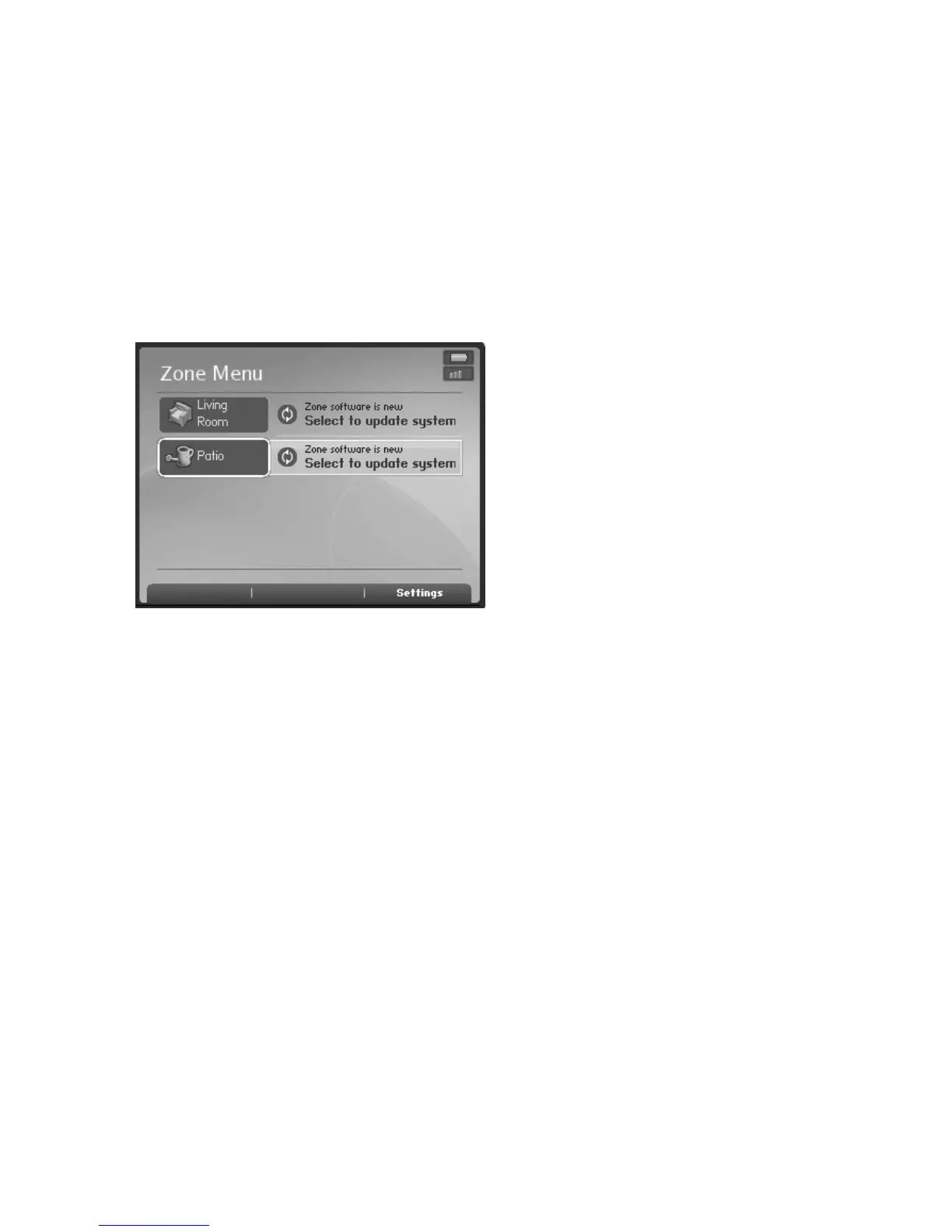
ZonePlayer software updates
If a ZonePlayer’s software version gets out of sync from the rest of your Sonos Multi-
Room Music System components, you will see a message displayed on your Zones
menu.
One or more ZonePlayers may need to be updated if you purchase a new ZonePlayer
with a later software version, or if you plug in a ZonePlayer that was not in use when
you performed your last software update.
You will also see this out-of-date message if you have already updated your music
system using the Controller. This message will indicate that the Sonos Controller for
Mac or PC needs to be updated.
Press OK to begin the software update process.
1. From the Music Menu, select System Settings>ZonePlayer Settings, and press
OK.
2. Use the scroll wheel to select a zone, and press OK.
3. Select Music Equalization, and press OK.
4. Select a setting, and then use the scroll wheel to make adjustments to the
control slide that appears on the screen, and then press OK.
One or more ZonePlayers may need to be updated
if you purchase a new ZonePlayer with a later
software version, or if you plug in a ZonePlayer
that was not in use when you performed your last
software update.
You will also see this message if you have already
updated your music system using the Controller.
This message will indicate that the Desktop
Controller software needs to be updated.



 To Next Page