Chapter 3: Managing Zones
3-3
Using the Sonos Controller 200
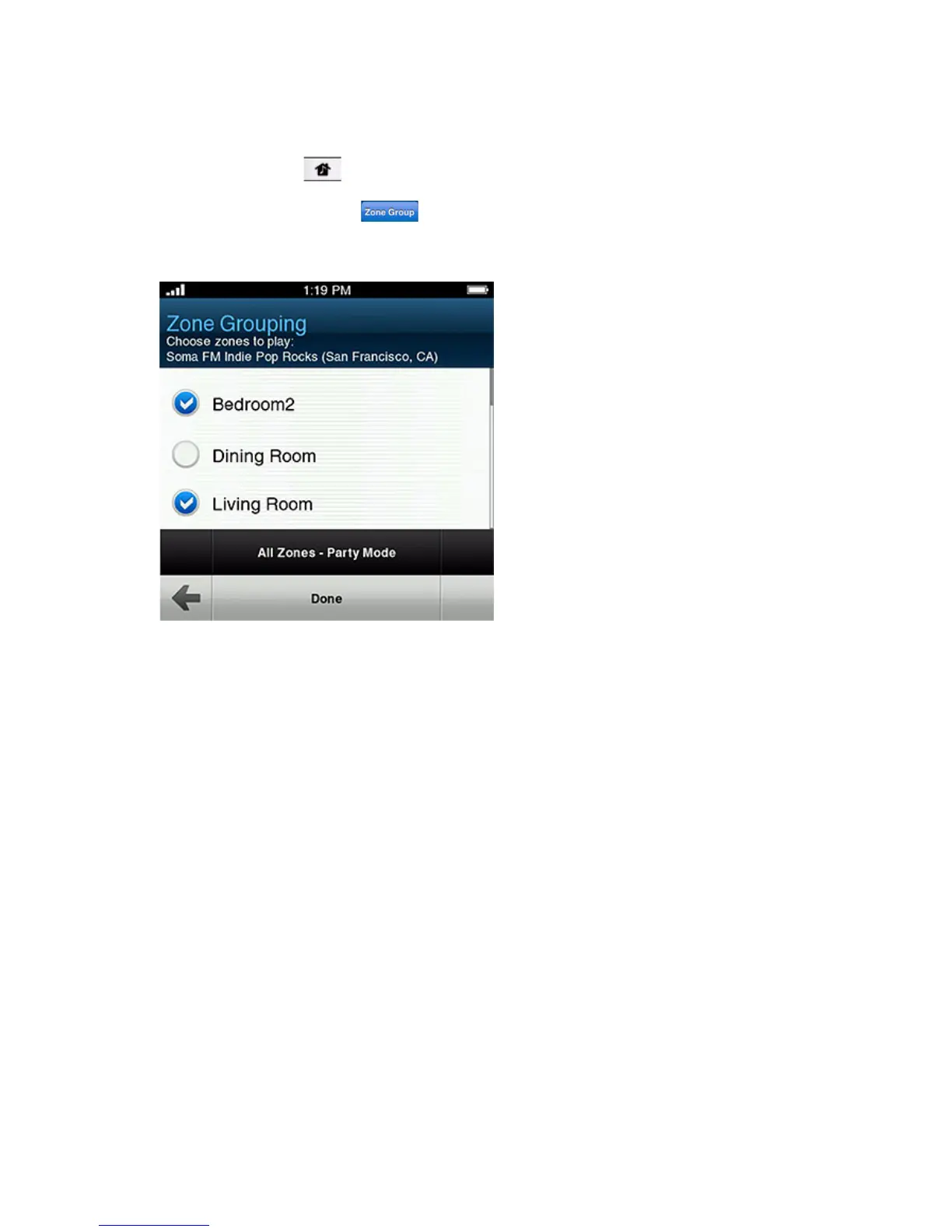
1. Press the Zones button.
2. Touch the Zone Group button to the right of the zone you want to group
(add more rooms to.)
3. Check the zones you would like to add to this zone group, and then touch Done.
If you want to join all the zones in your house to this music queue, touch All
Zones-Party Mode
. All of your ZonePlayers will then play the same music in
synchrony until you drop the zones from the zone group.



 To Next Page